Integrating HighByte with the United Manufacturing Hub
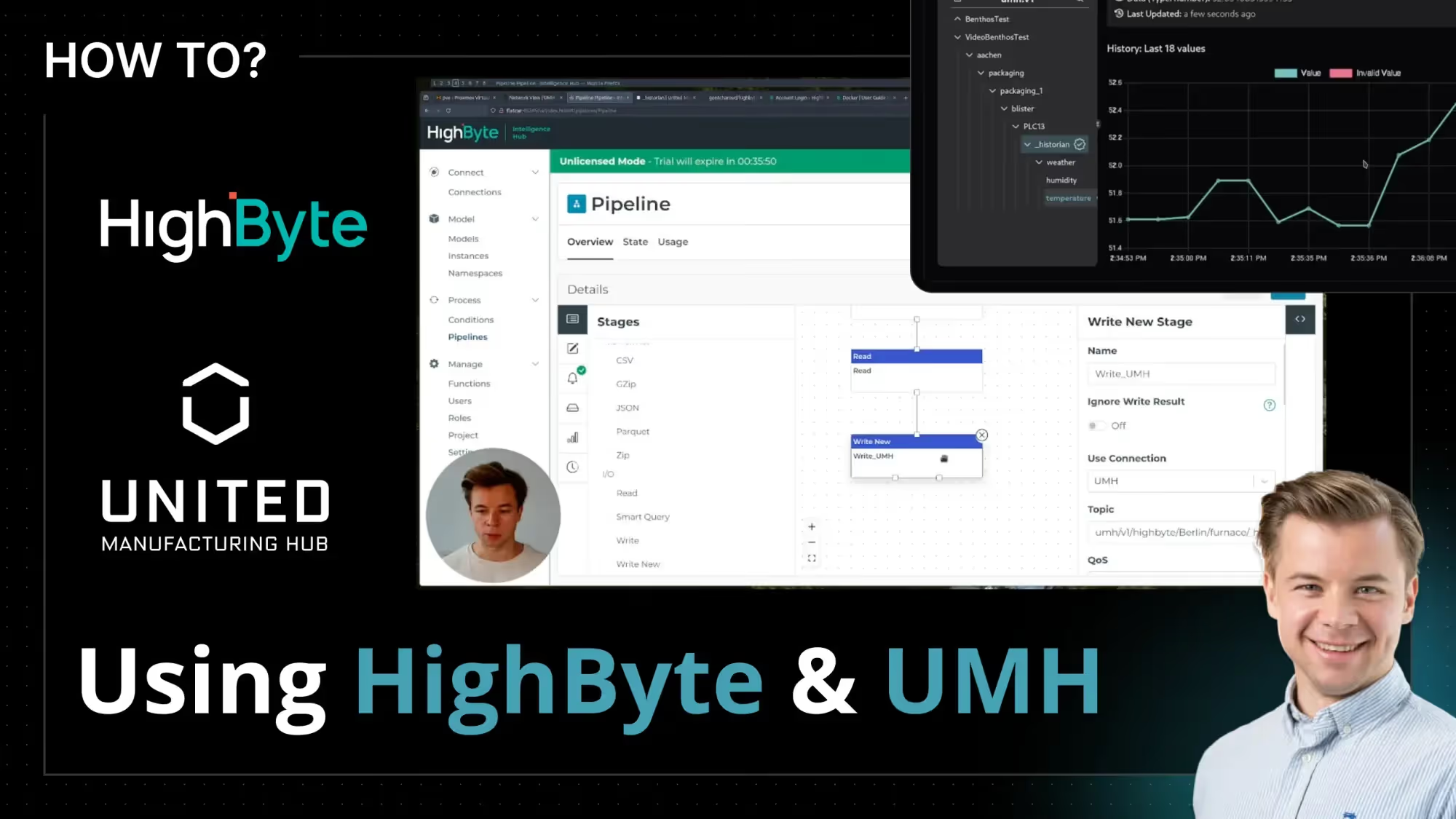
In this video, we’ll walk through connecting HighByte, a data processing engine, with the United Manufacturing Hub (UMH). HighByte is an OT-friendly alternative to Node-RED to handle operational technology data, making it a useful tool alongside the UMH.
We will start by demonstrating how to download and set up HighByte within Kubernetes. Next, we’ll show you how to configure it to use data from the UMH, model this data, and send it back to UMH. From there on, the modeled data in the UMH will then be used in other applications and stored automatically in the UMH Historian.
Chapters
00:00 - 01:38 Introduction
01:38 - 03:26 Downloading the HighByte Intelligence Hub 4.0.0 Docker image
03:26 - 06:36 Pushing the Docker image to Docker Hub
06:36 - 07:35 Overview of the UMH stack deployment
07:35 - 09:40 Configuring the Docker Hub Kubernetes secret
09:40 - 12:40 Deploying HighByte as a Kubernetes service
12:40 - 13:25 Accessing HighByte on the host
13:25 - 15:23 HighByte workflow overview
15:23 - 19:03 Configure the HighByte Connection with Inputs and Outputs
19:03 - 20:45 Configure the HighByte Model
20:45 - 22:45 Configure the HighByte Instance
22:45 - 27:23 Configure the Highbyte pipeline
27:23 - 28:10 Debugging the pipeline with Replay
28:10 - 28:57 Inspecting the data with the UNS Client
28:57 - 29:35 Inspecting the data with the UMH Management Console
29:35 - 30:23 Further resources and help
Further Resources
- UMH Historian Data Model
- HighByte Docker Guide
- HighByte Portal for Docker Image Download
- UMH Community Discord
DOCKER_REGISTRY_SERVER=docker.io
DOCKER_USER="<enter your Docker username>"
DOCKER_EMAIL="<enter your email>"
DOCKER_PASSWORD="<enter your password>"

sudo kubectl create secret docker-registry myregistrykey \
  --docker-server=$DOCKER_REGISTRY_SERVER \
  --docker-username=$DOCKER_USER \
  --docker-password=$DOCKER_PASSWORD \
  --docker-email=$DOCKER_EMAIL \
  -n united-manufacturing-hub \
  --kubeconfig /etc/rancher/k3s/k3s.yaml
Kubernetes Docker Hub secret creation command
apiVersion: apps/v1
kind: Deployment
metadata:
  name: highbyte-deployment
  namespace: united-manufacturing-hub
spec:
  replicas: 1
  selector:
    matchLabels:
      app: highbyte
  template:
    metadata:
      labels:
        app: highbyte
    spec:
      containers:
      - name: highbyte-container
        image: gontcharovd/highbyte:4.0.0
        ports:
        - containerPort: 45245
        - containerPort: 1885
        - containerPort: 8885
        volumeMounts:
        - name: highbyte-config
          mountPath: /usr/local/highbyte/config
      volumes:
      - name: highbyte-config
        persistentVolumeClaim:
          claimName: hb-pvc
      imagePullSecrets:
      - name: myregistrykey

---
apiVersion: v1
kind: Service
metadata:
  name: highbyte-service
  namespace: united-manufacturing-hub
spec:
  selector:
    app: highbyte
  ports:
    - name: port-45245
      protocol: TCP
      port: 45245
      targetPort: 45245
    - name: port-1885
      protocol: TCP
      port: 1885
      targetPort: 1885
    - name: port-8885
      protocol: TCP
      port: 8885
      targetPort: 8885
  type: LoadBalancer

---
apiVersion: v1
kind: PersistentVolumeClaim
metadata:
  name: hb-pvc
  namespace: united-manufacturing-hub
spec:
  accessModes:
    - ReadWriteOnce
  resources:
    requests:
      storage: 1Gi
Kubernetes Deployment file