Community
Providing access from the PLC network to the internet
Sometimes machine vendors need remote access to the PLC. If they have a device installed inside of the machine that is trying to connect to the internet, then this tutorial is for you. By default, connections to the internet are disabled by default (and should keep being disabled)
Jeremy Theocharis
February 22, 2023
8 min read
Some machine vendors require you to open ports. You can also do that in the firewall, however, we strongly recommend against it.
-
Connect to OPNsense
-
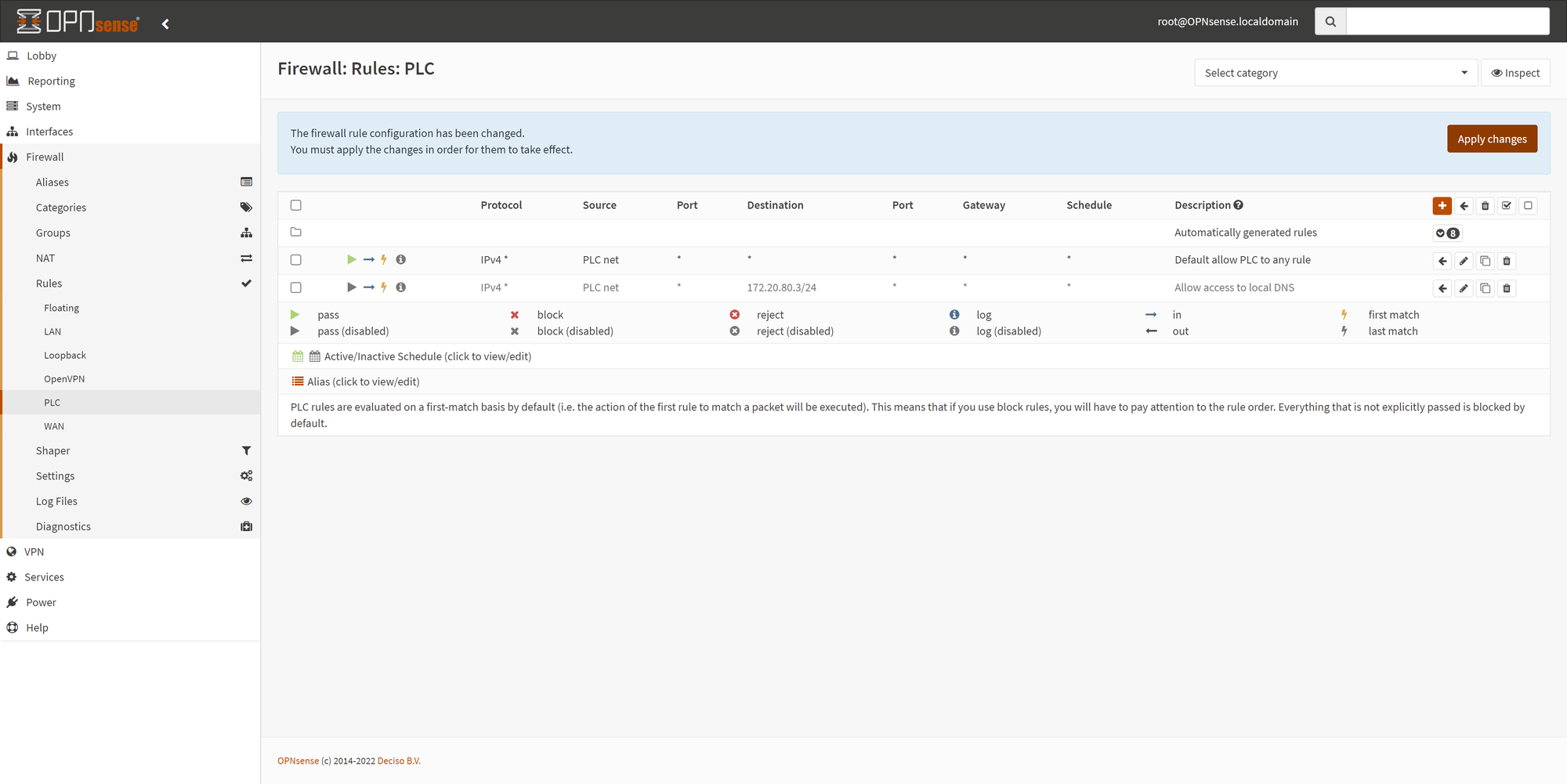
Go to Firewall → Rules → PLC (or similar).
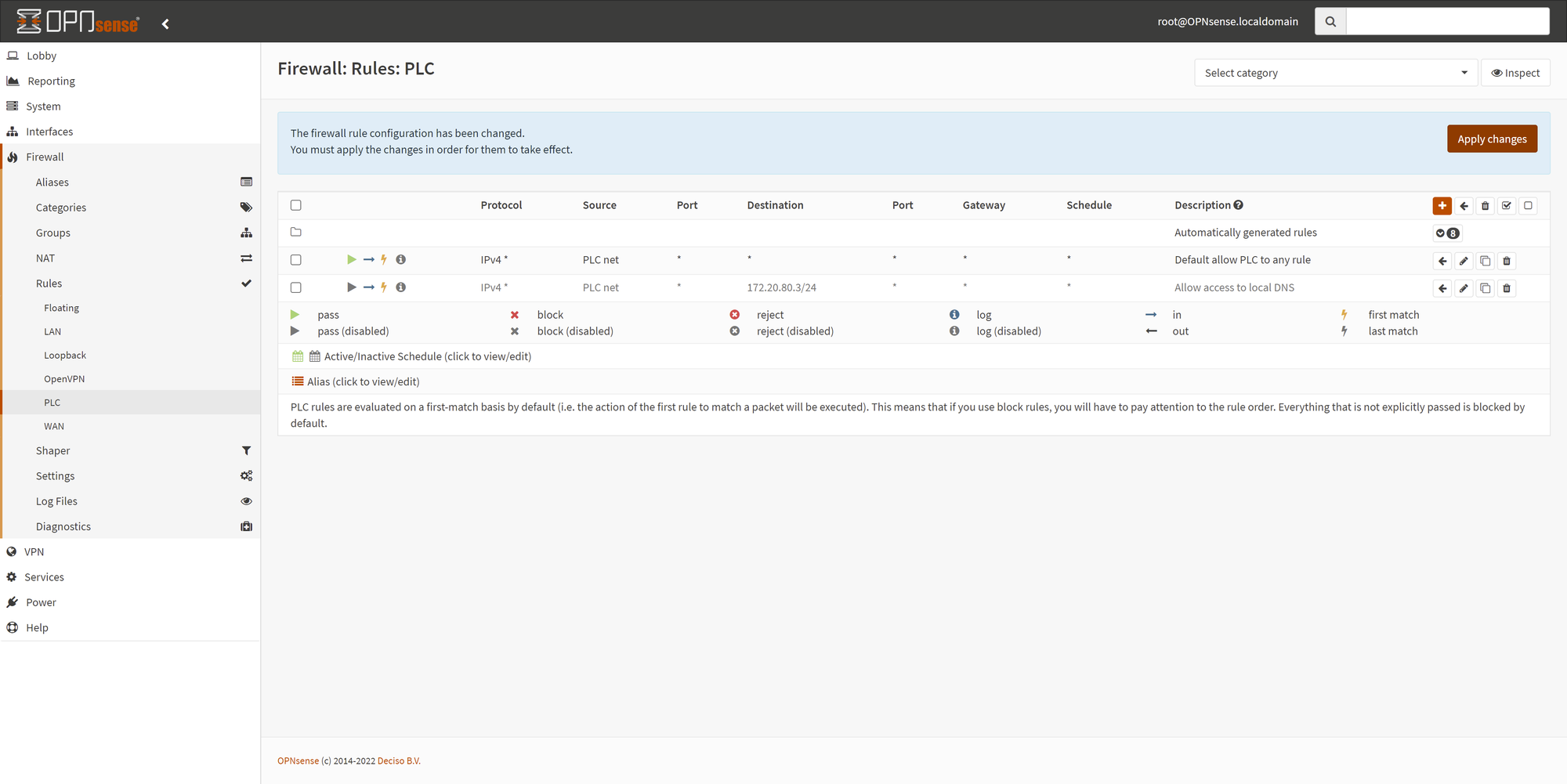
- Click the plus icon to add a new rule.
- Create a rule similar to the following:
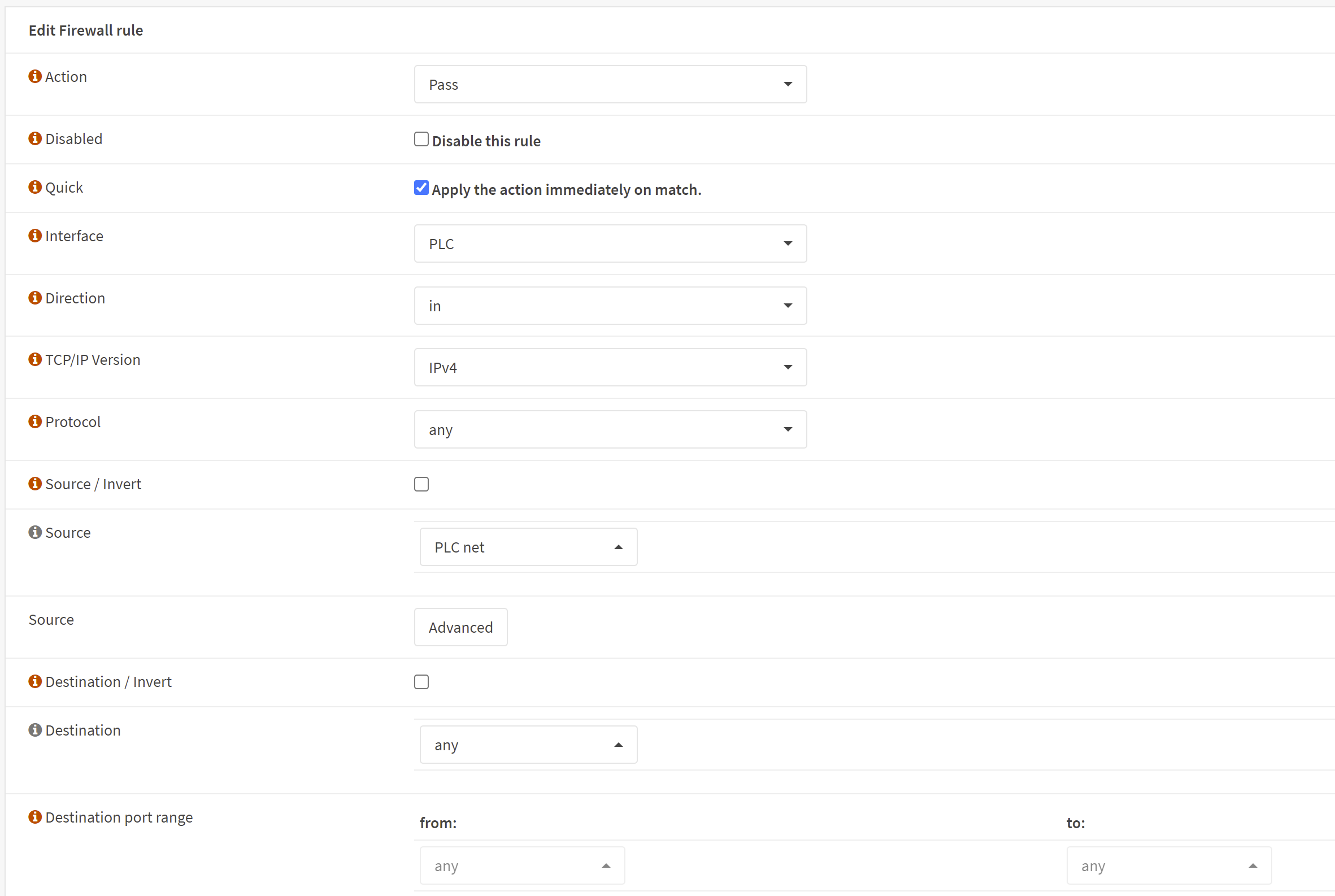
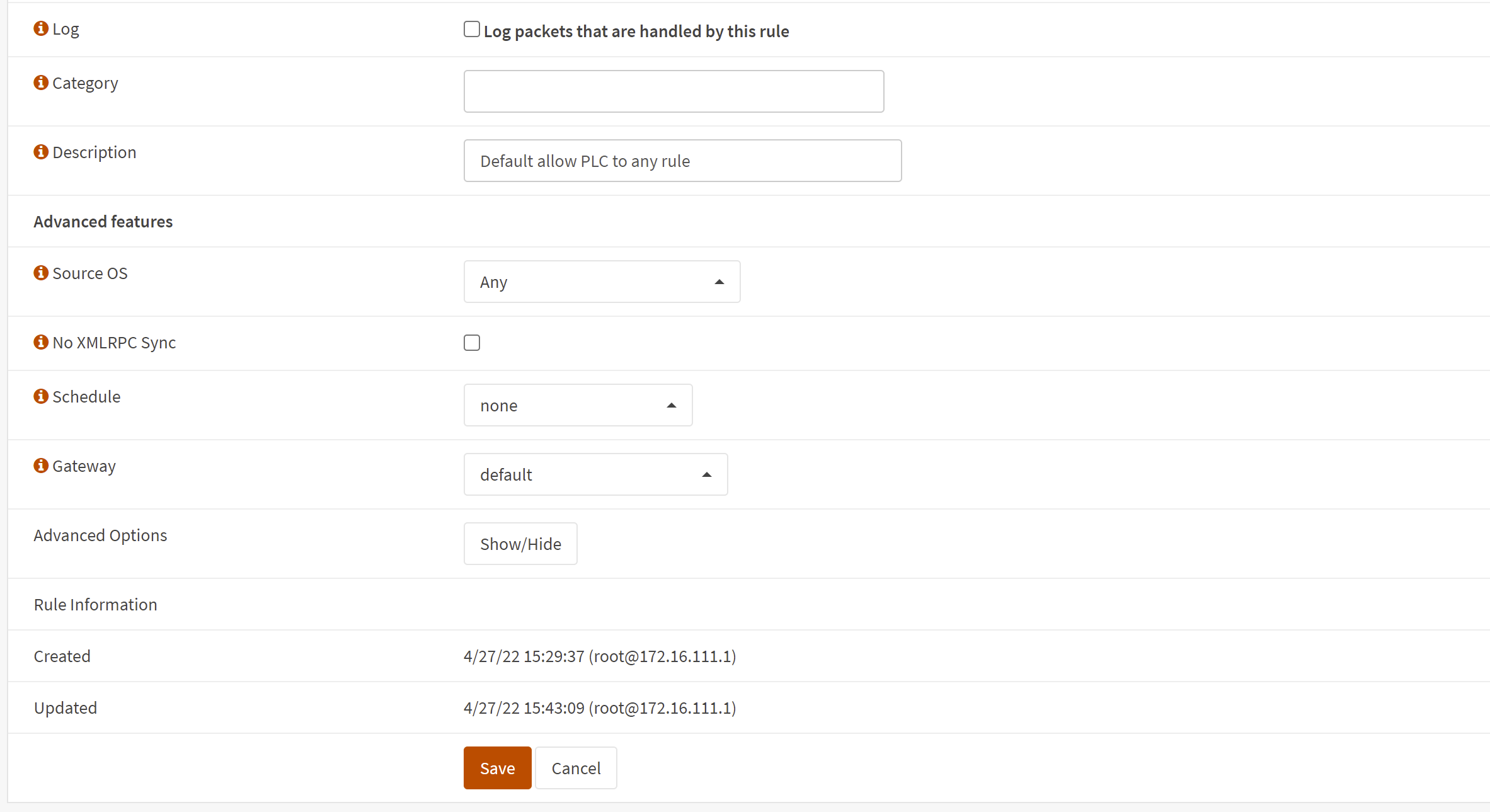
- Click save and apply the changes.
You can enable or disable the firewall rule in the same section. For more information, refer to the official OPNsense documentation.
You can enable or disable the firewall rule here: