Management Console
2026-06-15
Improvements
- After deploying a standalone data flow or a Classic protocol converter, the success dialog's button was labeled "Data Flows" while the bridge deploy flow labeled it "Continue". All three now use "Continue".
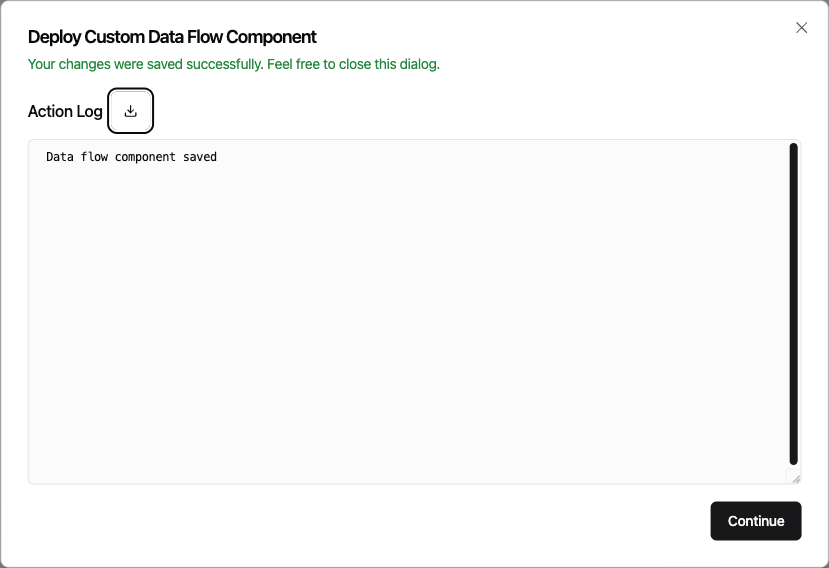
- Clicking "Continue" after deploying a bridge dropped you onto that bridge's edit page, while deploying a standalone data flow returned you to the data flow overview. Both now return to the overview.
Fixes
- Condition cards and their clause rows in the Tag Processor can no longer be dragged loose from anywhere on the card. They now move only when you grab the drag handle, the way reordering was always meant to work.
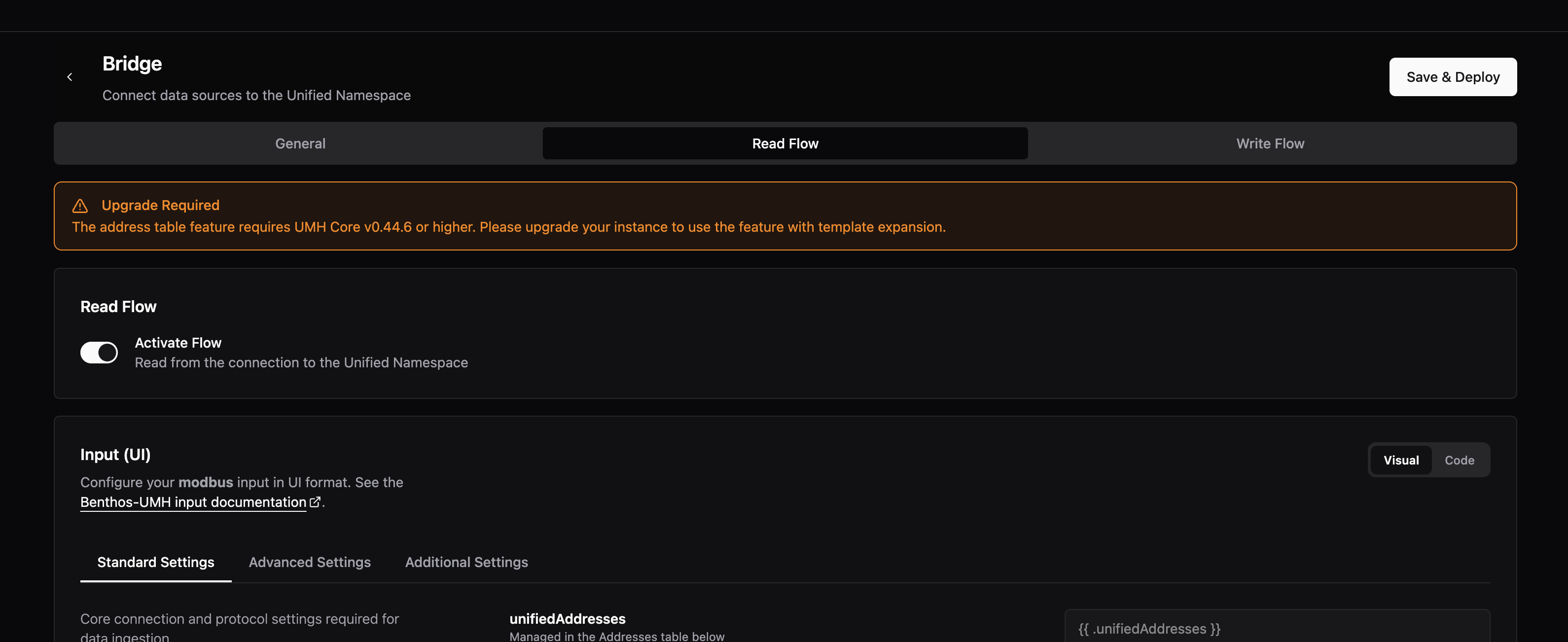
- Previously, when configuring a bridge's processing before choosing an instance, the address table section showed an "Upgrade Required" message — even though the real problem was that no instance had been selected yet. The notification now shows a clear "No Instance Selected" prompt pointing you to the General tab. In addition the notification has been moved out of the processing section address tab, to the top of the read flow to be better and quicker recognizable.