Management Console
2026-06-28
New Features
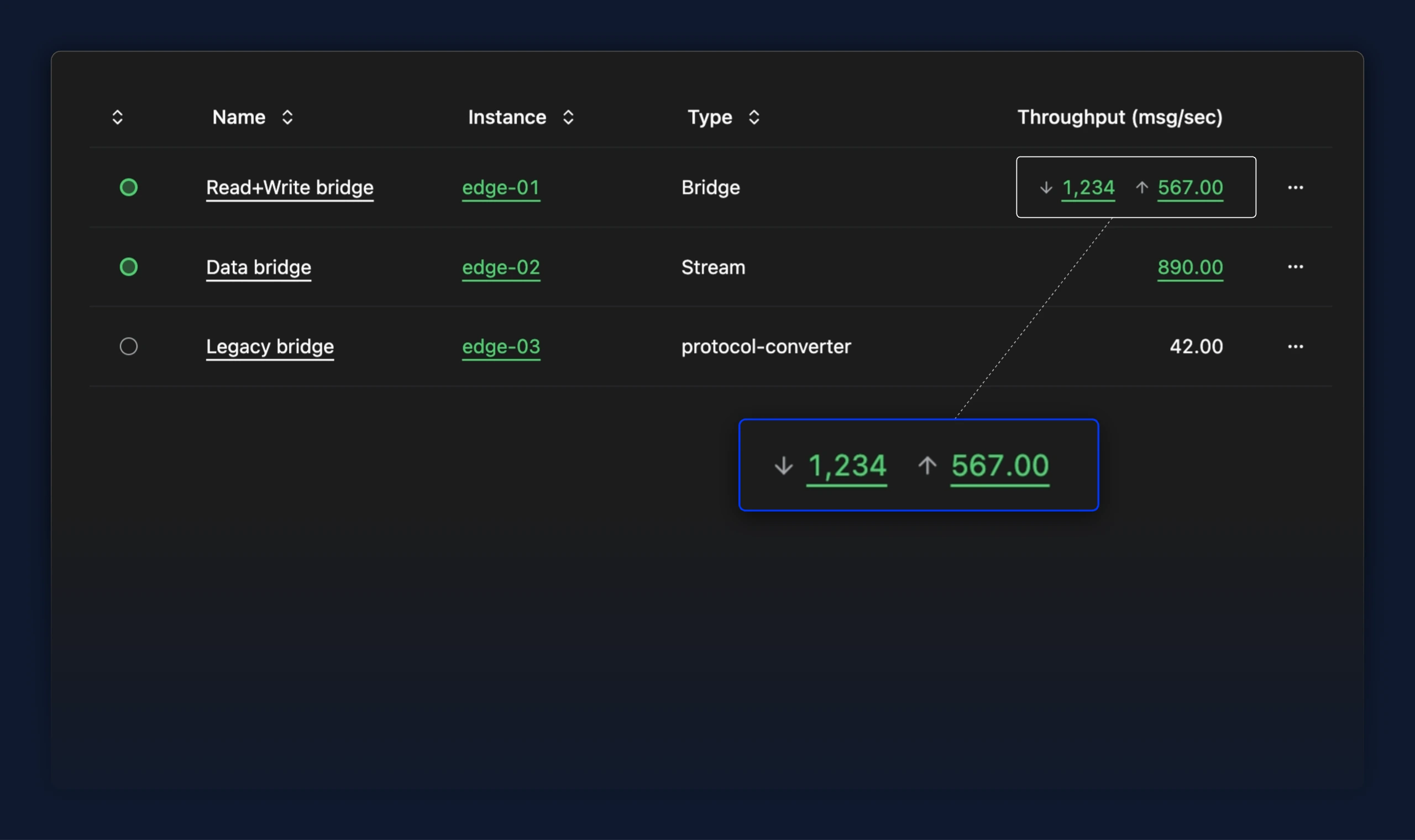
- For users testing the Write flows preview, the bridges table now shows read and write throughput separately in one cell, each clickable to open its own flow. Previously a single combined number always linked to the read flow, so write throughput was neither visible nor reachable from the table
Improvements
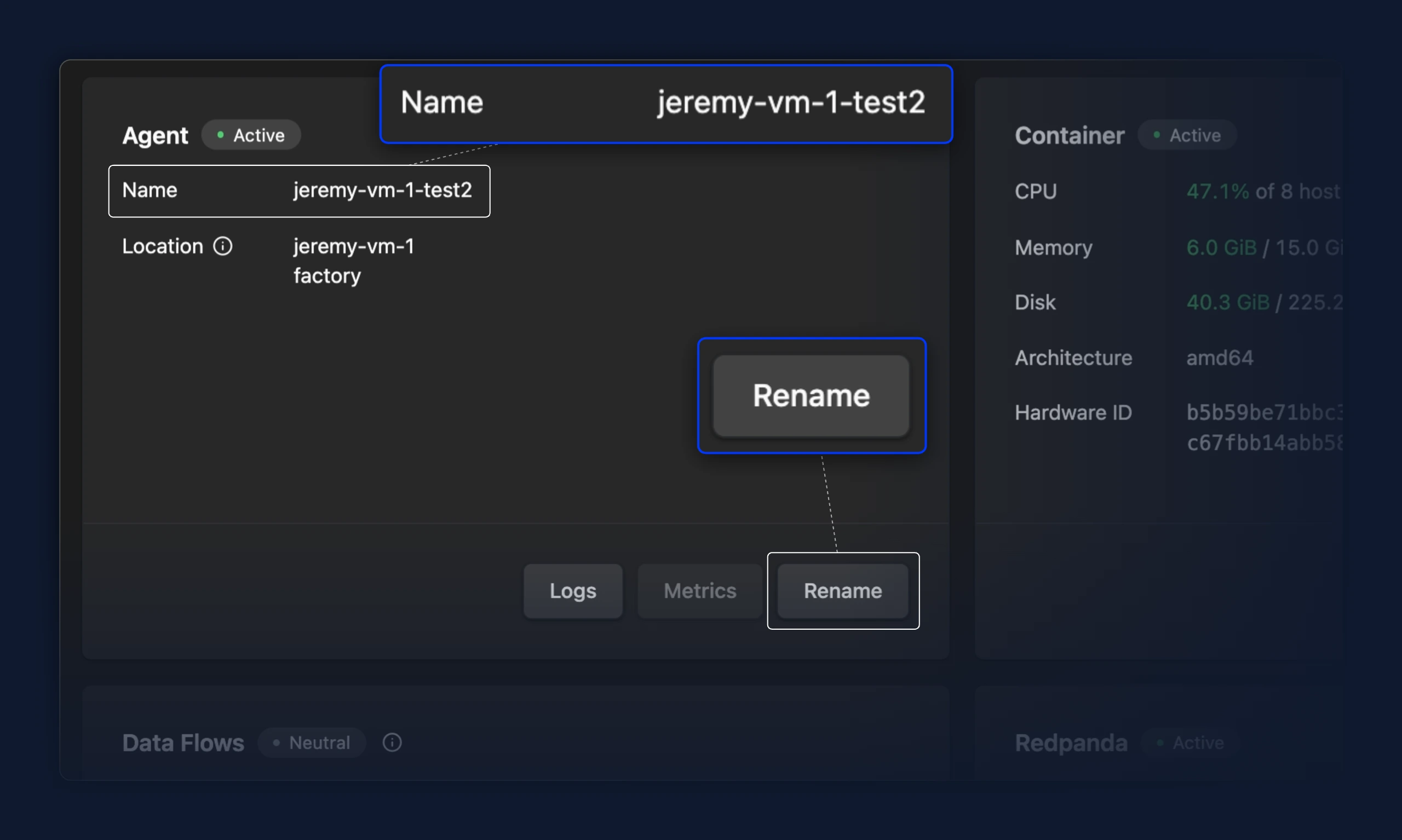
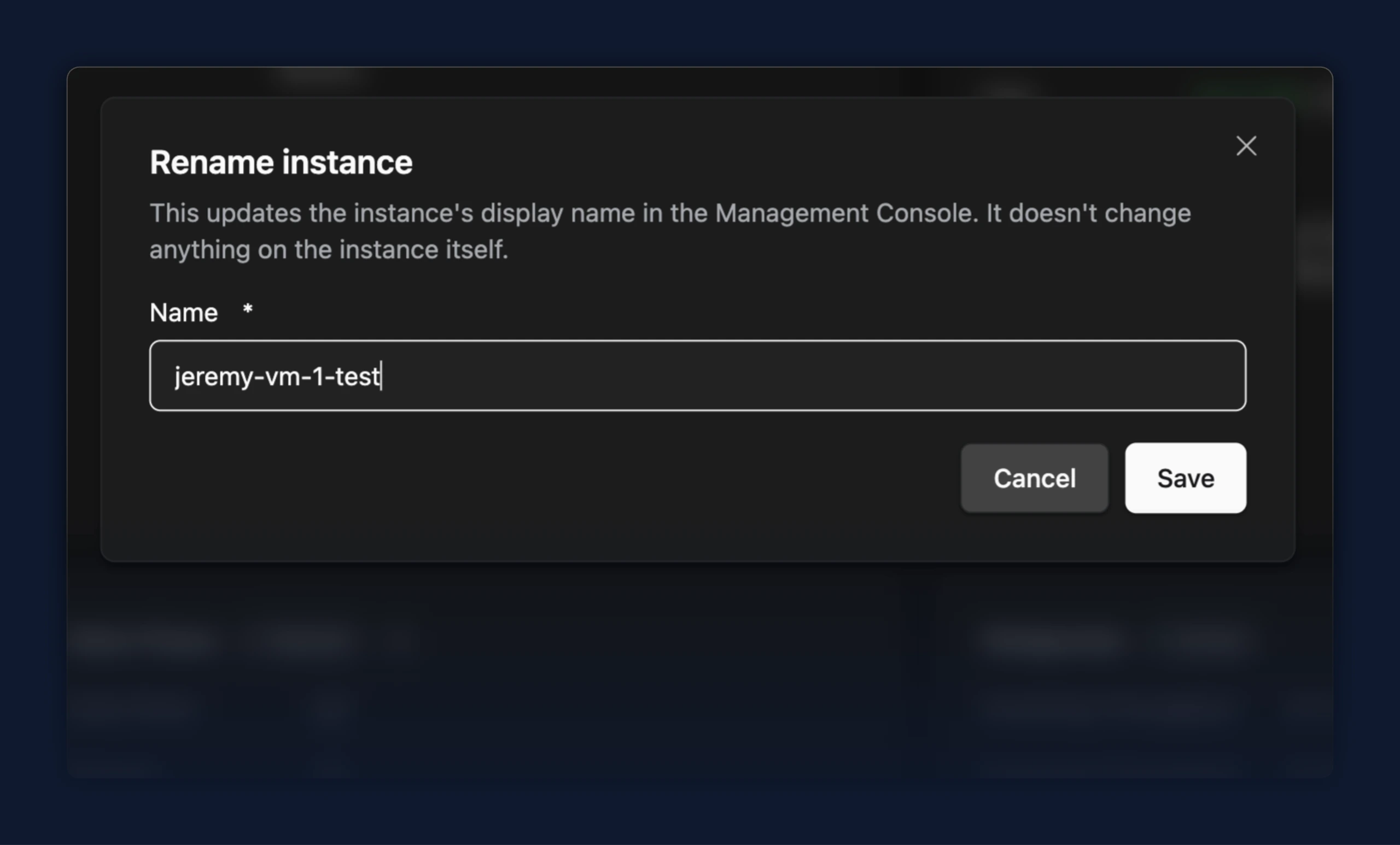
- The instance name on the Agent card is now read-only text alongside the other details; a Rename button on the card opens a dialog to change it, so the card no longer carries an inline input and a separate Save
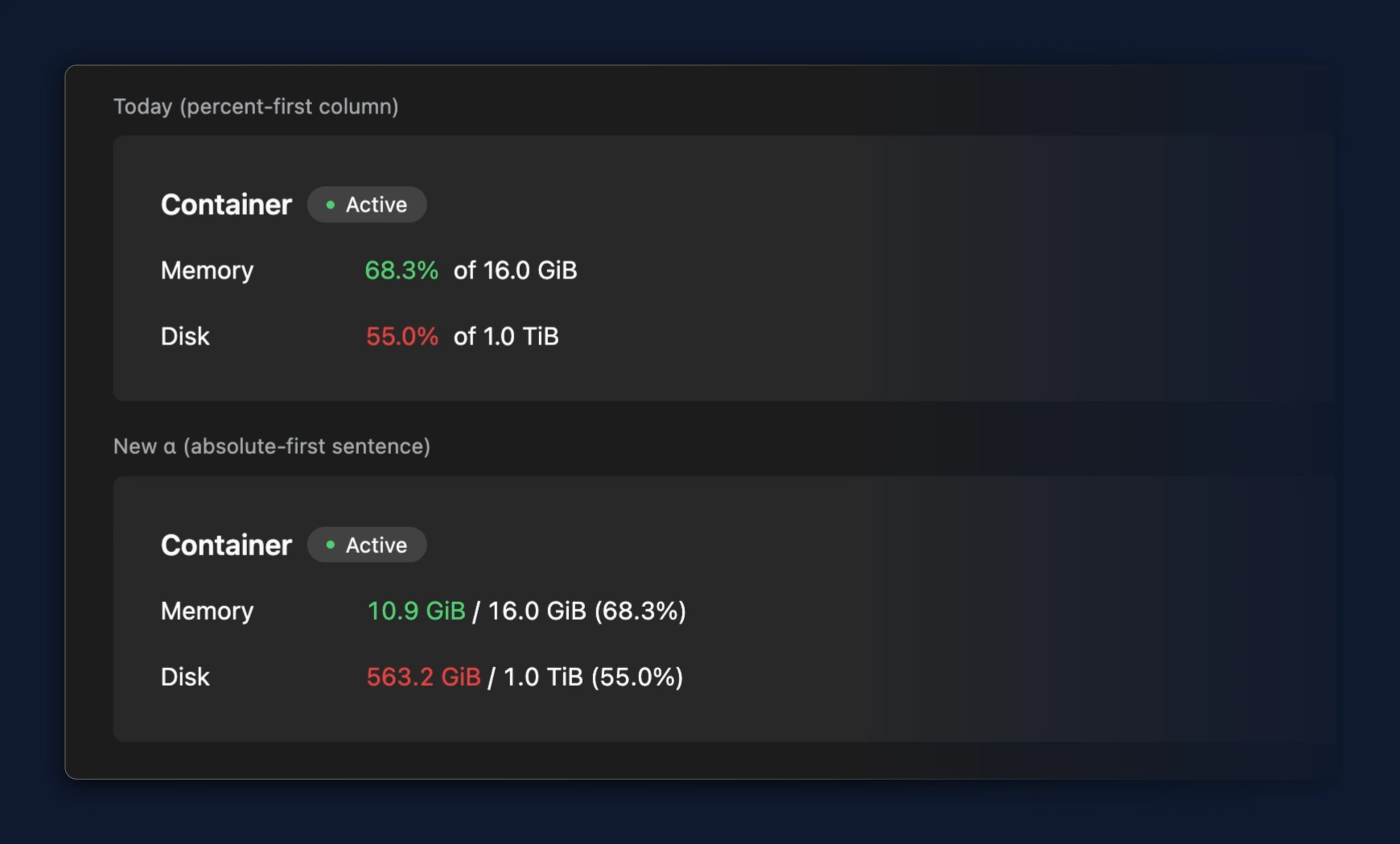
- Memory and disk usage on the instance overview now lead with the amount in use, shown as
10.9 GiB / 16.0 GiB (68.3%)instead of68.3% of 16.0 GiB, so the actual consumption is the first value you read
- The Agent card now shows the instance location as plain read-only text instead of greyed-out fields, so a multi-level location reads clearly; the note that location is fixed after setup moved to an info icon on the label
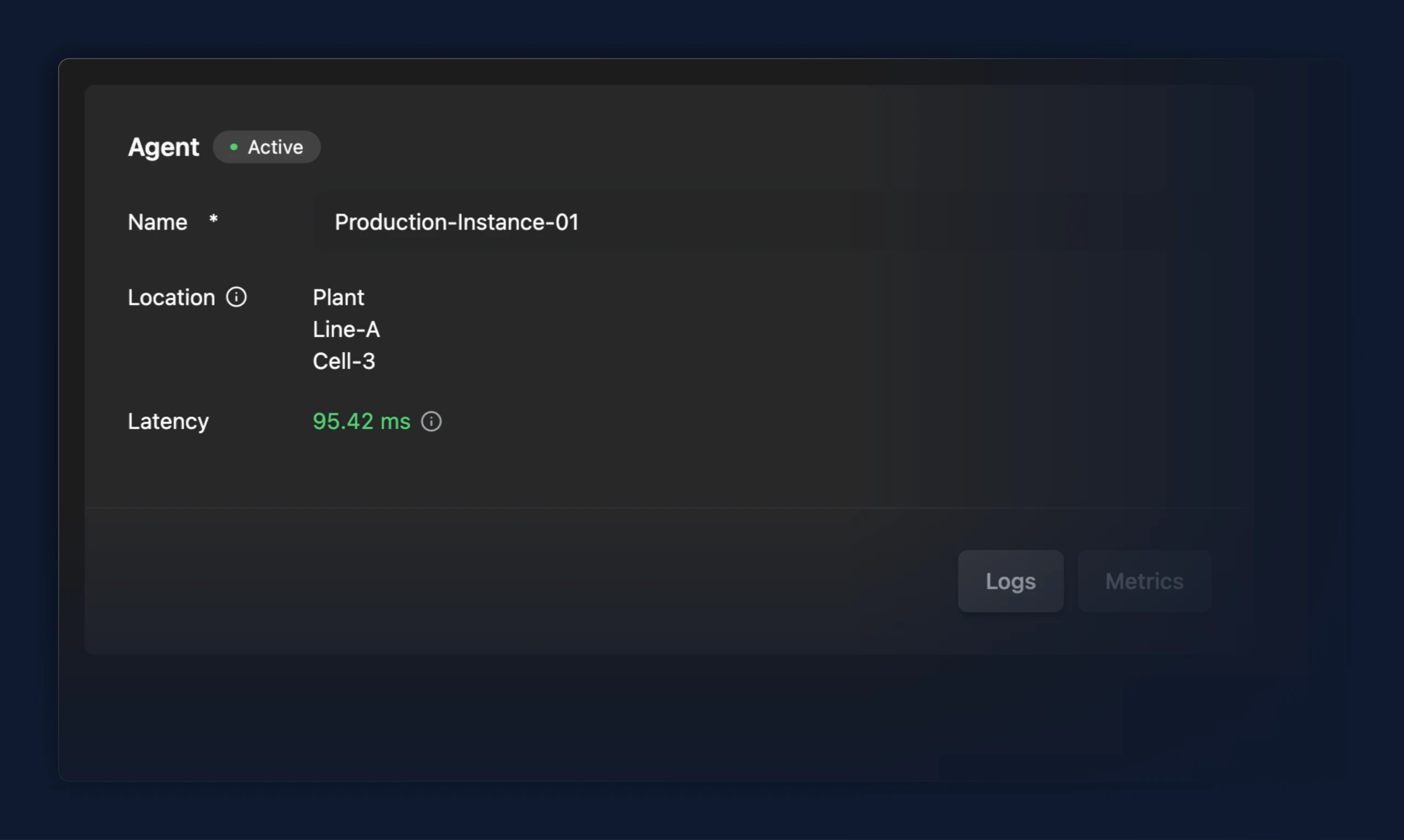
- The Agent card no longer shows a 0.00 ms latency when no measurement has been reported; the latency row is hidden until a real reading is available
- Status cards now show the reason a component is degraded in a tooltip on its status badge instead of a banner inside the card, so cards no longer resize as health changes

Fixes
- After deploying a standalone flow, the "Continue Editing" button now opens the flow's editing view as intended. Previously it only closed the dialog and left you on the create page
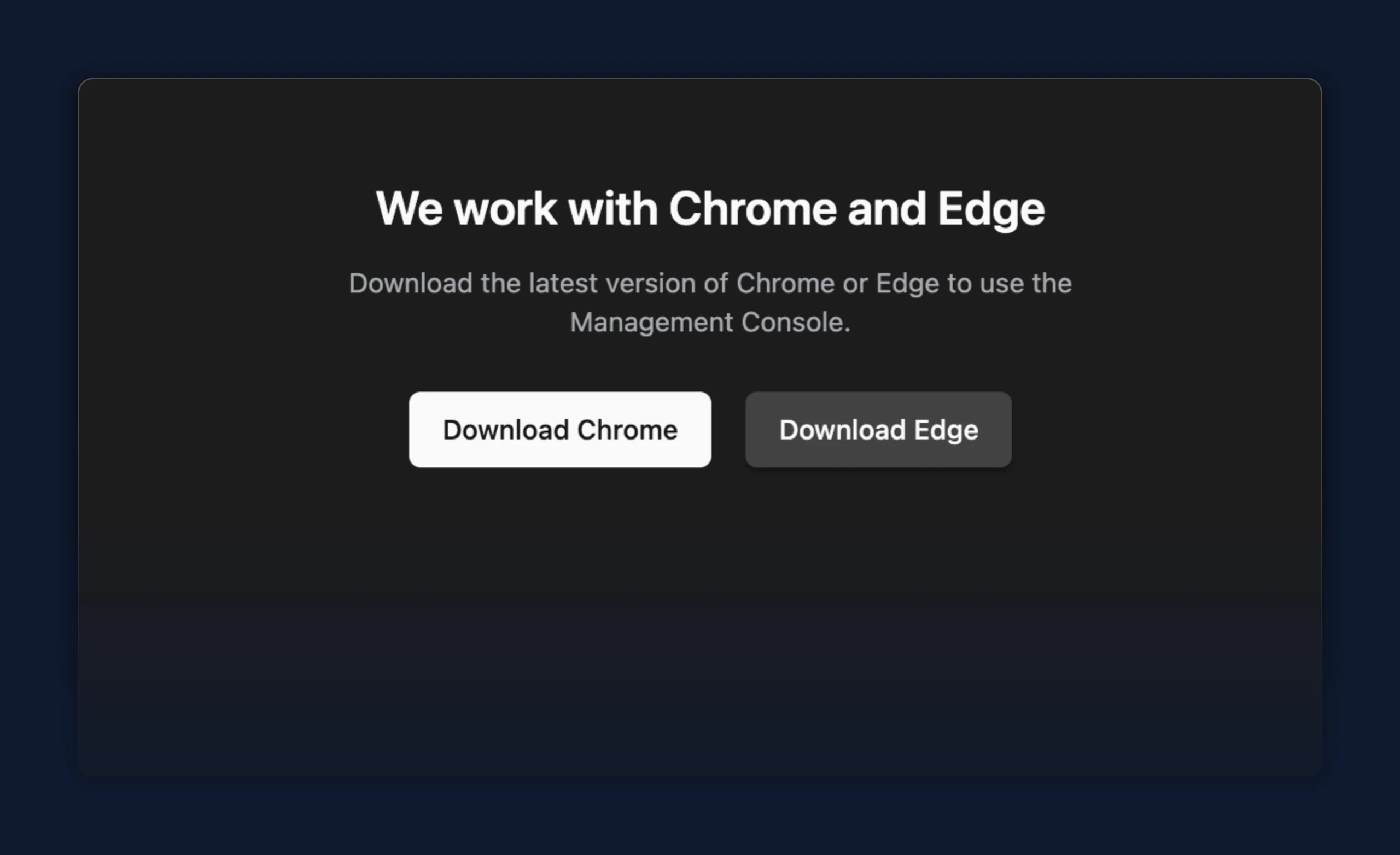
- Safari now shows a clear page recommending Chrome or Edge, with download links, instead of a blank screen