Management Console
2026-07-17
New Features
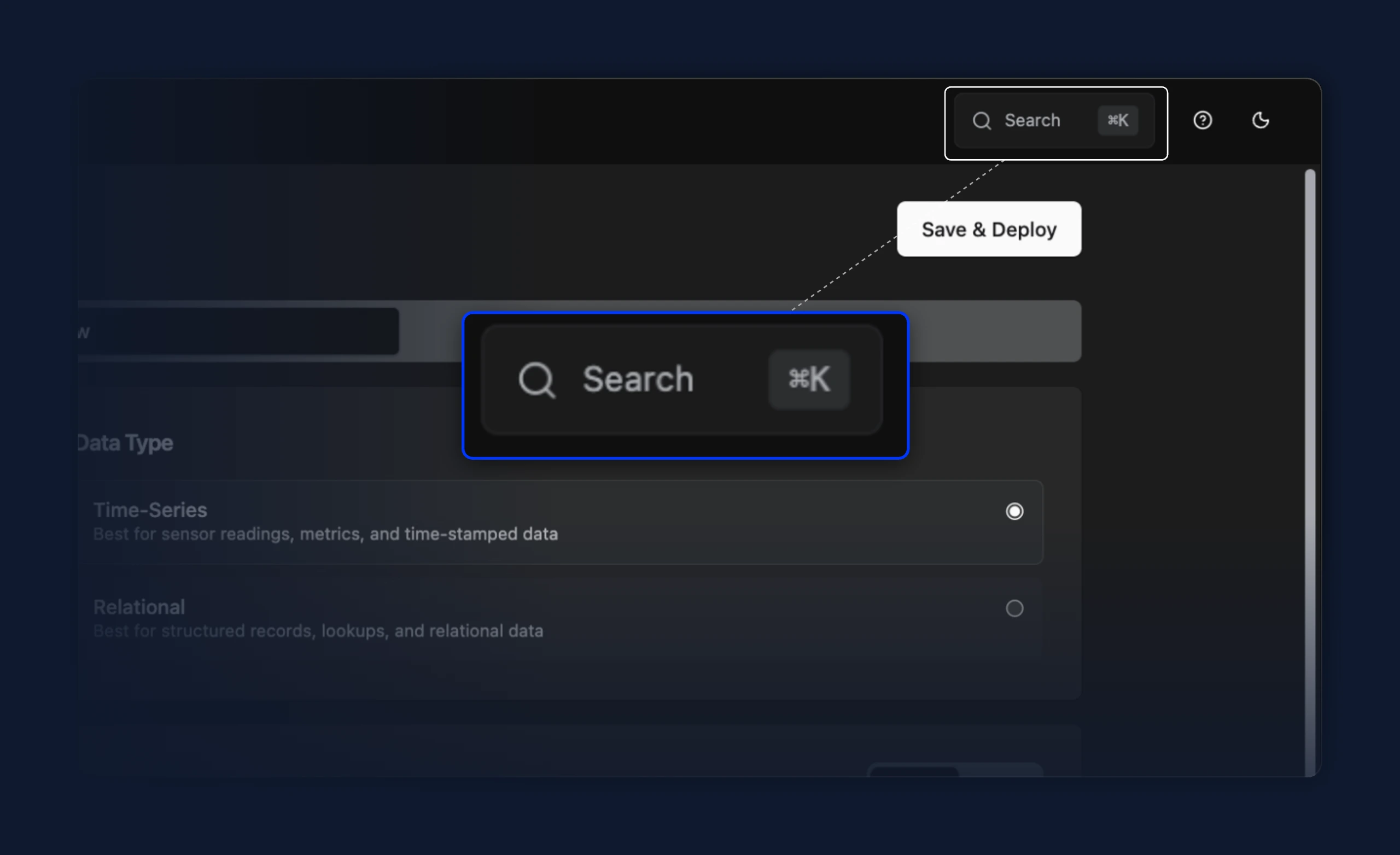
- A search box in the top-right header opens the command palette on click and shows its keyboard shortcut (⌘K on macOS, Ctrl K on Windows and Linux), so the palette is discoverable without already knowing the shortcut. On narrow screens it collapses to a magnifier icon
Improvements
- Offline instances in the command palette are now dimmed and can't be opened, with an "Instance offline" tooltip, so they stay visible in the list without leading to a dead page
- The command palette search field now clears when the dialog closes, so it reopens empty
- When writing JavaScript in a bridge or data flow (the Node-RED JS and tag processor steps), the code editor now autocompletes
protobuf.decodeandprotobuf.encodeand shows their signatures on hover, matching the assist it already gives formsg,console, andcache.
Fixes
- Using the command palette to jump from one bridge or stream processor to another now loads the target's page. Previously the URL changed but the view kept showing the one you came from
- Reopening the command palette after opening a bridge or stream processor now starts on the main list again, instead of getting stuck on that item's Go / Logs / Metrics sub-menu
- Arrow-key navigation in the command palette now scrolls the highlighted row into view, so entries lower in the list no longer get selected off-screen
- The command palette no longer highlights two rows at once when you move with the arrow keys while the mouse rests over a different row
- Read-only code editors can now be scrolled when their content is taller than the box. Previously the scrollbar was disabled unless you opened the viewer in fullscreen
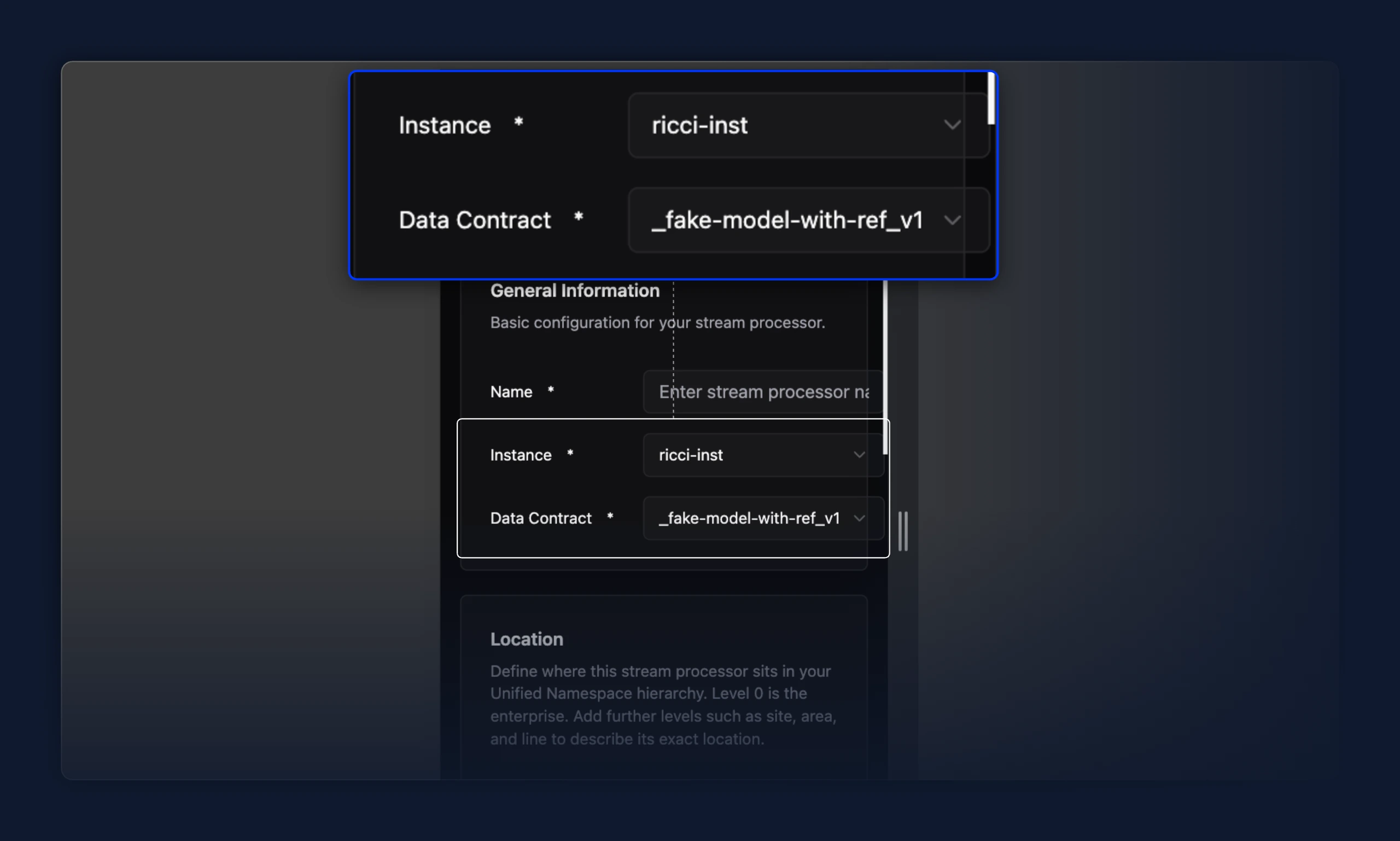
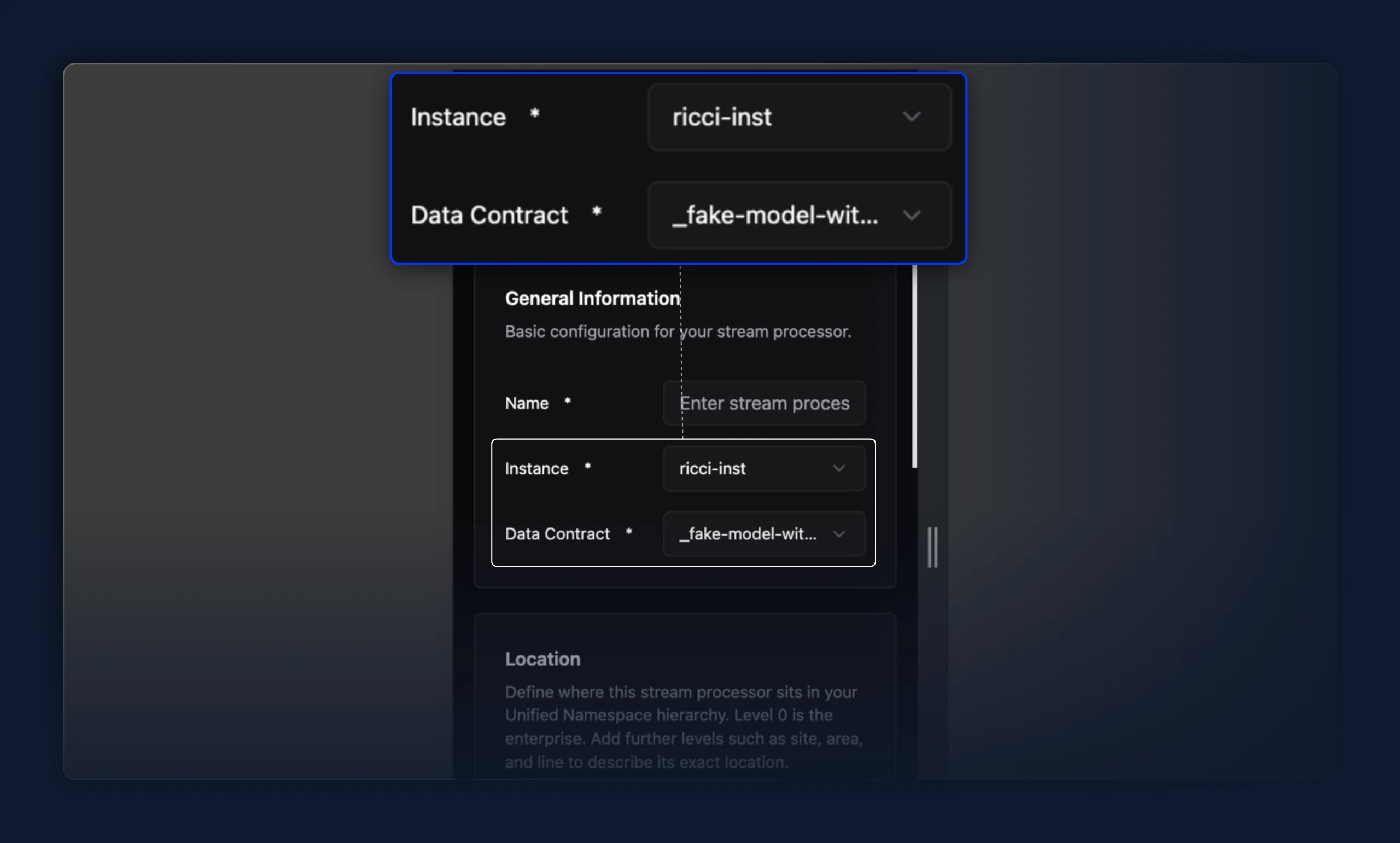
- Select fields with a long option value (e.g. a long data contract or instance name) no longer stretch and push every other field out of the card. Previously, a long value widened the whole row past the card's edge; the value now truncates with an ellipsis and the row stays aligned.