Management Console
2026-07-30
Improvements
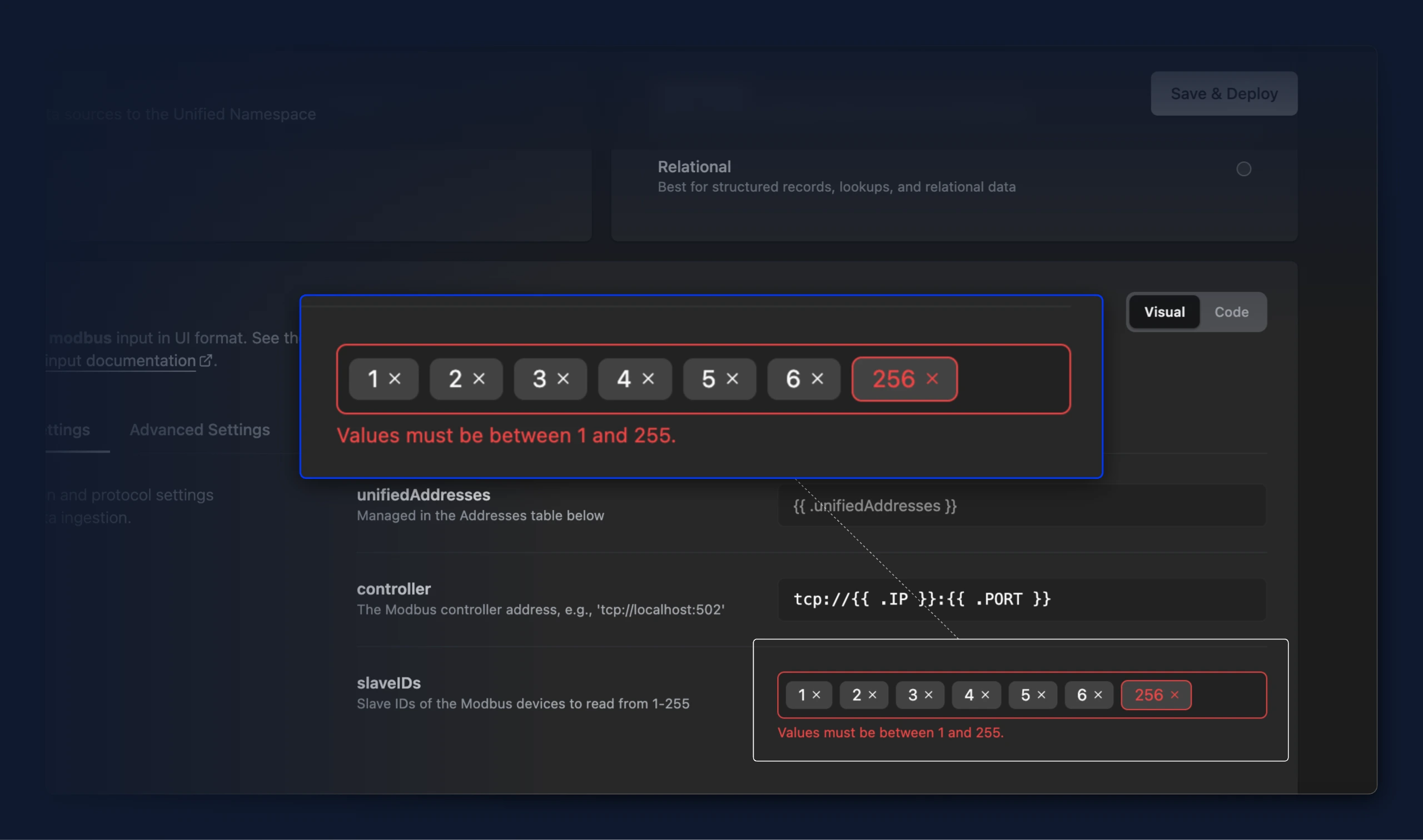
- You can now enter list values like Modbus slave IDs as badges in a bridge's input. Type a value to add it, click between badges to place the cursor, move through them with the arrow keys, and remove entries one at a time. Before this the field rejected what you typed as the wrong type

- Values outside the allowed range, like a Modbus slave ID below 1 or above 255, are now highlighted in both visual and code mode. Save & Deploy stays blocked until the value is corrected.

- When using the write flow preview, the throughput indicator section in the bridge table overview now correctly indicates a state, if a read flow is not configurable for a write-flow only bridge.
- Bridges built from a protocol template that ships only a read flow (such as OPC UA) can now deploy a write flow too. The write destination protocol is inferred from the read protocol whenever the read-write mapping defines one, instead of being left unset and silently blocking the write flow.