Management Console
Context Menu Cleanup and Bug Fixes
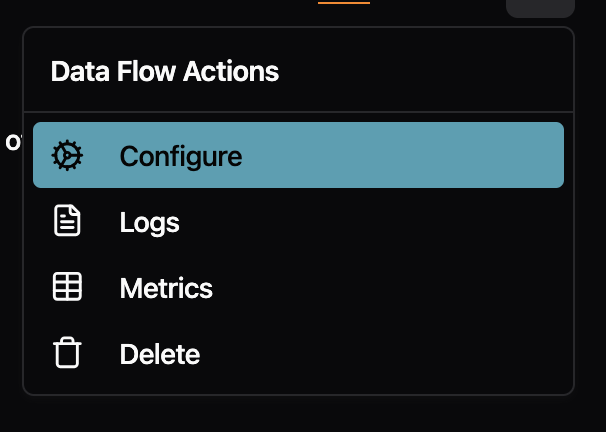
The right-click menu on Data Flow pages no longer shows redundant labels. Previously, the menu item repeated the flow type name (e.g., "Standalone Flow" or "Stream Processor") even though you were already viewing that tab. Now it simply says "Configure" with a cog icon, which is clearer and less cluttered.
Fixes
- Fixed the "Go back to safety" button on error pages not navigating anywhere when clicked. The button now performs a full page reload to take you back to the home page.
- Fixed buttons with tooltips (like the "Full screen" button in code editors) not responding to clicks
- Fixed dropdown menu items showing a default cursor instead of a pointer cursor on hover
- Fixed inconsistent font styling in the audit logs table
