Management Console
Dark and Light Mode
You can now switch between dark, light, and system themes using the new theme toggle in the sidebar. The editor and all UI components automatically follow your selected theme, and your preference is remembered between sessions.

New Features
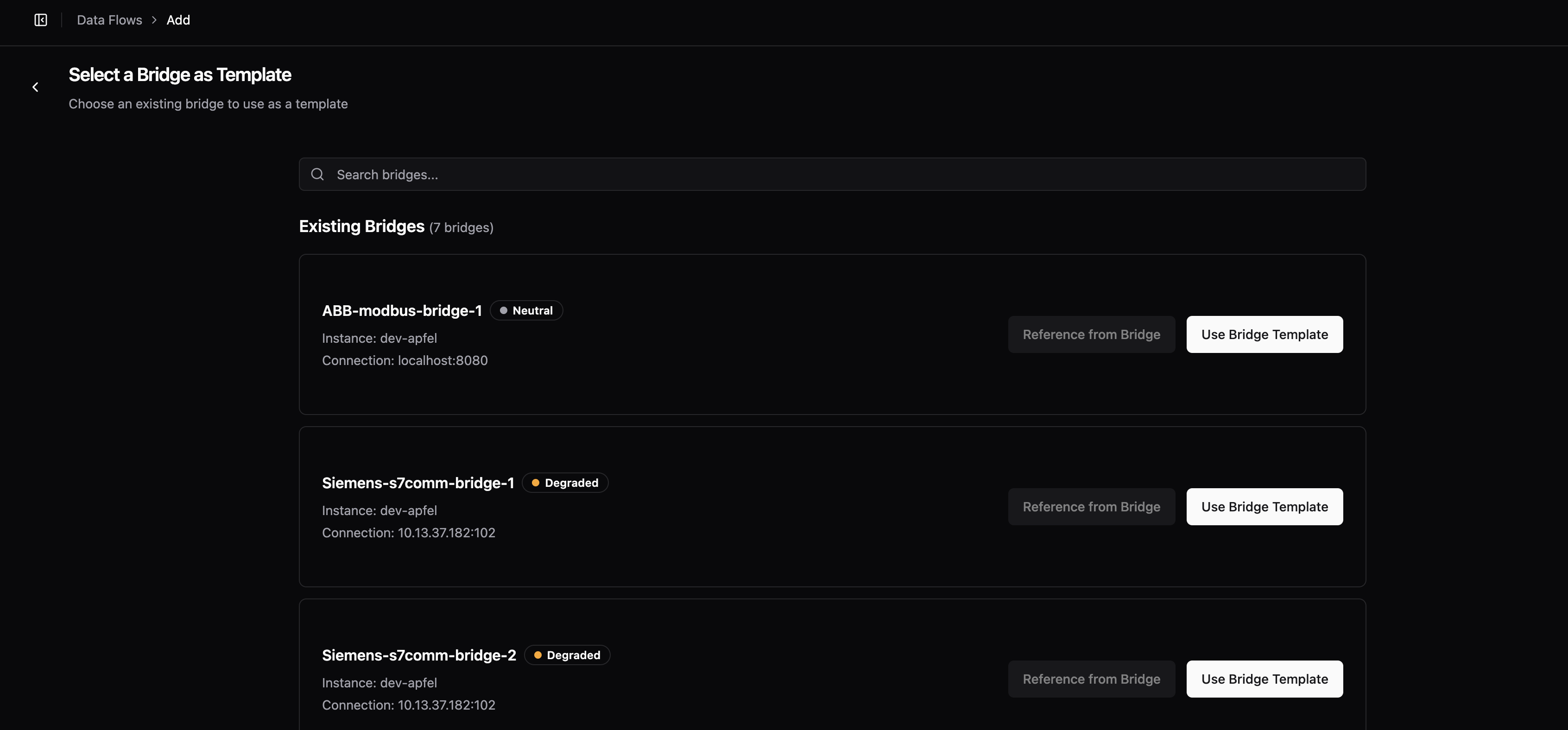
- When creating a new bridge, you can now copy the configuration from an existing bridge. The setup wizard shows all your bridges with their connection status, instance, and health indicators, making it easy to find the right one to copy.
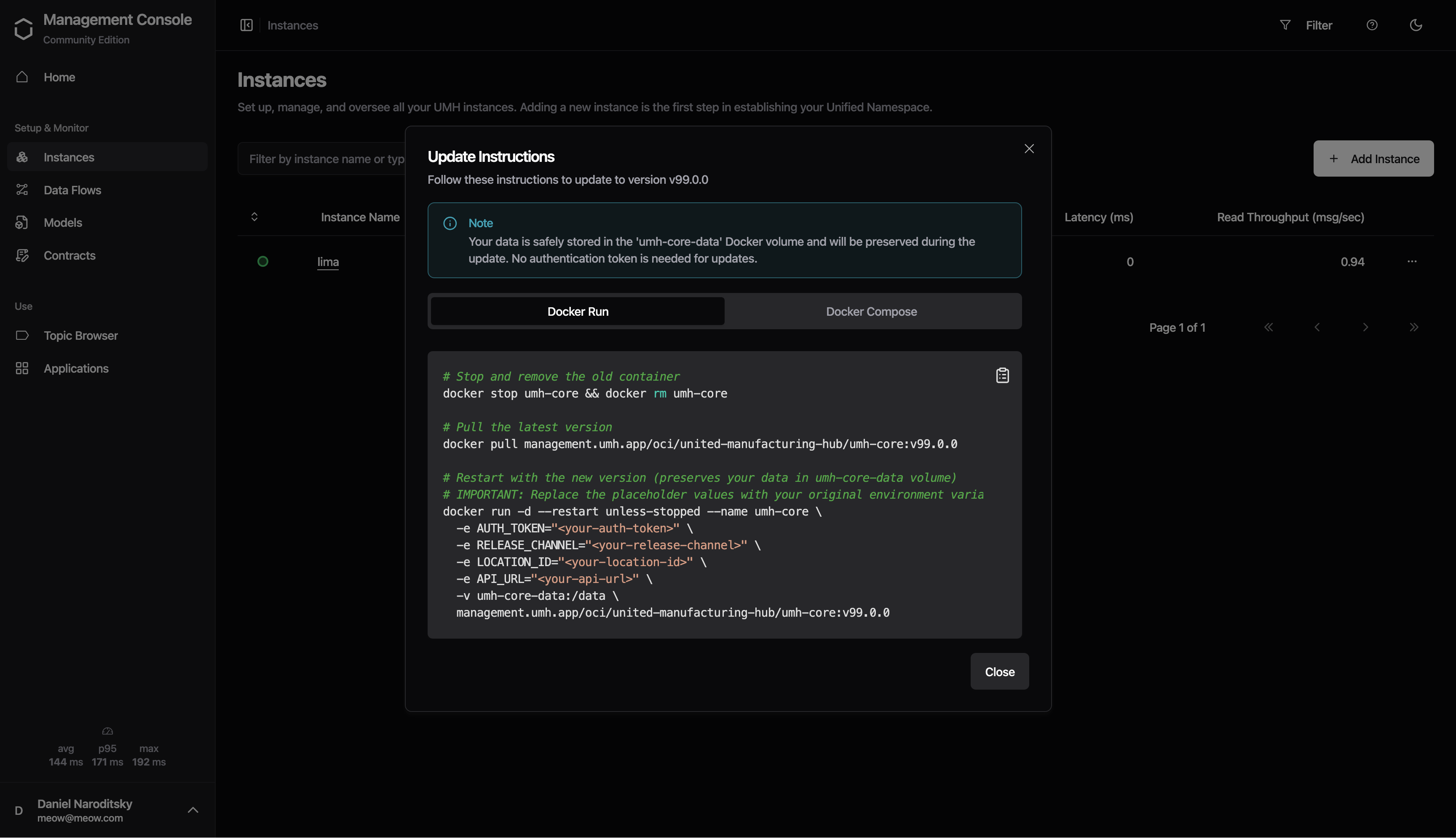
- Instances now show an "Update" badge when a newer version is available. Click the badge to see update instructions for both Docker and Docker Compose deployments.
Improvements
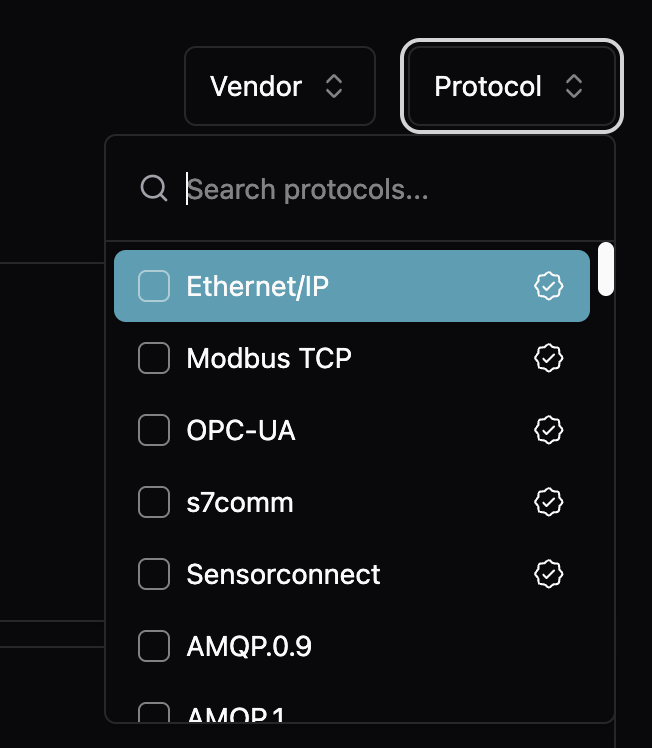
- Protocol templates now show a "Verified" badge for curated protocols that have been tested and validated. Verified protocols are sorted to the top of the list, and all protocols include better descriptions to help you choose the right one.
- Green and orange status colors are now more readable in light mode
- Tooltips remain dark with high contrast in both light and dark modes
- Improved dialog scrolling for update instructions on smaller screens