Management Console
Data Compression Visibility
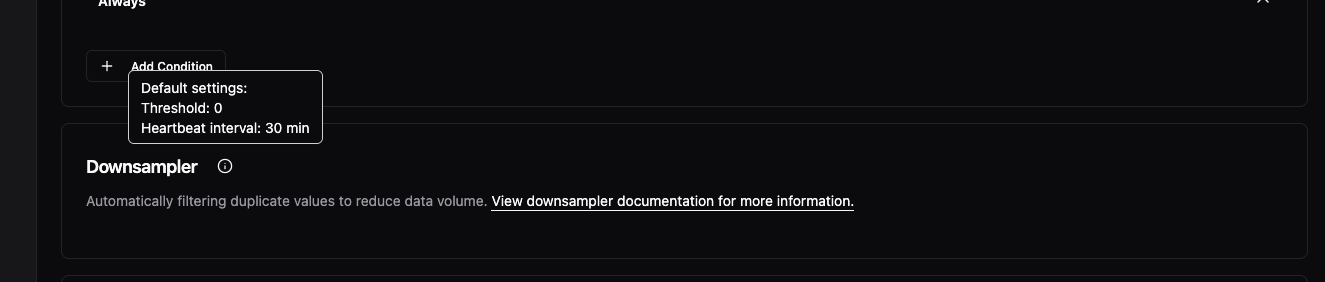
The downsampler (report-by-exception) feature that's been automatically compressing your bridge data is now visible in the UI. You'll see a new "Advanced Processing" card in bridge configurations showing that compression is enabled by default. This feature reduces storage and network usage by filtering duplicate values—now you can see it's there and access documentation about how it works.
Faster Component Navigation
You can now click directly on component names to edit them, instead of using the three-dot menu every time. This works across Instances, Data Flows, and Models—just click the name in the table and you'll navigate straight to the configuration page. The three-dot menu is still available for additional actions.

Fixes
- Fixed misaligned "Remove Level" buttons in location configuration forms with consistent heights and proper spacing
