Management Console
Data Flow Setup Wizard
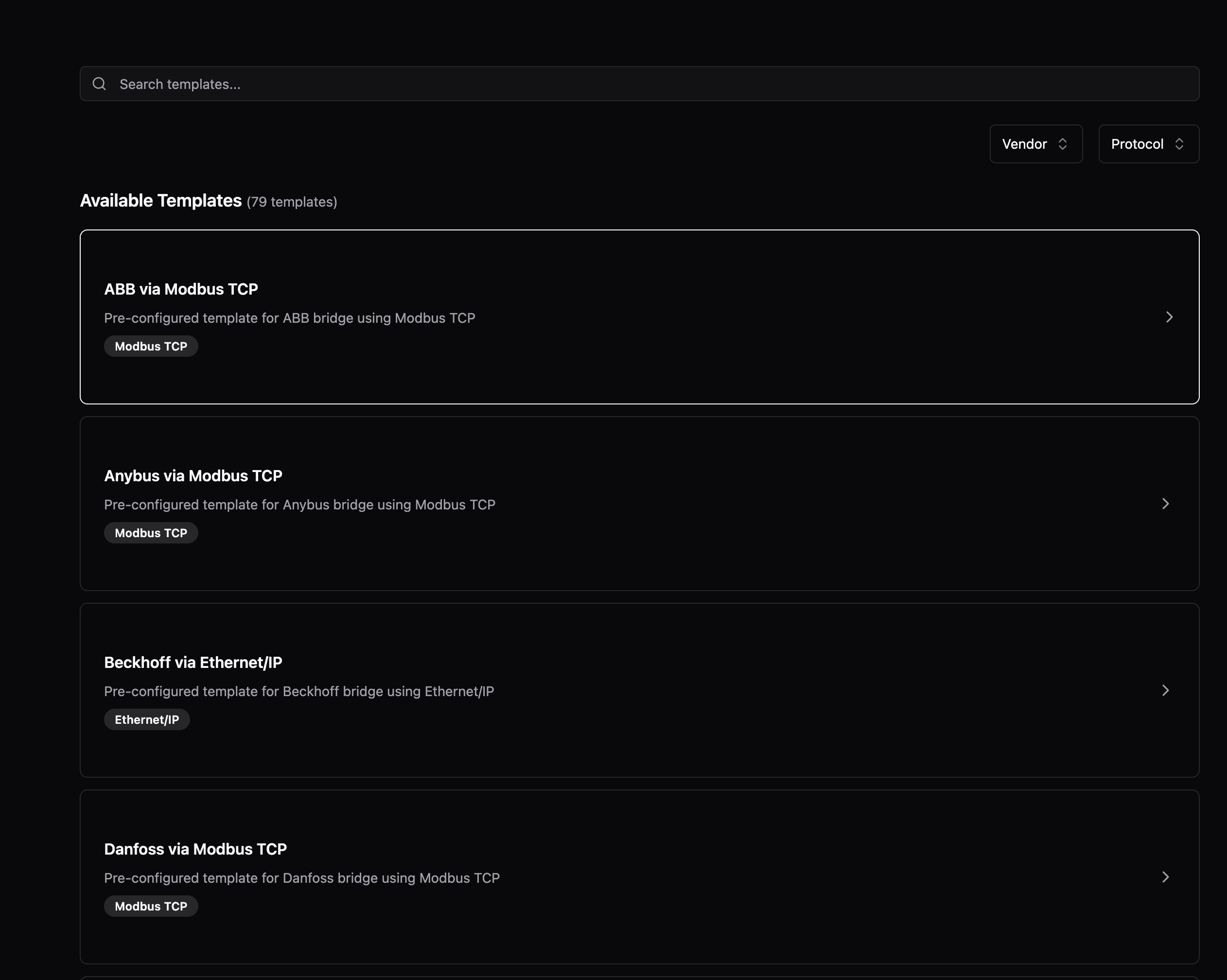
Creating new Data Flows is now guided and faster. When you select a protocol like OPC UA, S7, or Modbus, the form is automatically prefilled with common settings—you only need to enter your device's IP address and port. The new vendor/protocol selection cards make it easy to find your device type.
Improvements
- Protocol forms now display helpful examples below field descriptions, showing valid values at a glance (e.g., "Examples: ns=2;s=MyNode, ns=3;i=1001")
- The metadata panel in Topic Browser can now be resized by dragging the divider
- When creating bridges for Modbus or S7, the port field is now prefilled with the standard port (502 for Modbus, 102 for S7)
- Data Flow editors now only prompt "Unsaved changes" when you've made actual changes—formatting-only YAML changes no longer trigger false warnings
- Loading spinners now behave consistently across all pages, including when you only have umh-core instances
- The sidebar correctly remembers whether you left it open or closed between sessions
Fixes
- Protocol forms properly wait for prefilled data before rendering, preventing a flash of empty forms
- Fixed loading placeholder colors that changed after a recent update, restoring the original subtle appearance