Management Console
Location Setup and Editor Improvements
We revised how locations work in the Management Console. The instance setup form now matches what UMH Core already supports -- more than five location levels, and location is locked after the initial setup to prevent accidental redeployment of all your data flows.
Improvements
- Previously, the instance setup form was limited to exactly 5 fixed location fields (enterprise, site, area, line, work cell), even though UMH Core already supports deeper hierarchies. Core instances running v0.44.9 or later now support up to 10 levels in the Management Console, so you can define location hierarchies that match your organization's structure

Fixes
- Fixed instance location being editable after setup -- changing it would silently redeploy all data flows and rename all tag names, which is almost never intended. Location is now set once during setup and clearly marked as permanent. If you need a different location, create a new instance. Changing the location of a bridge is still possible
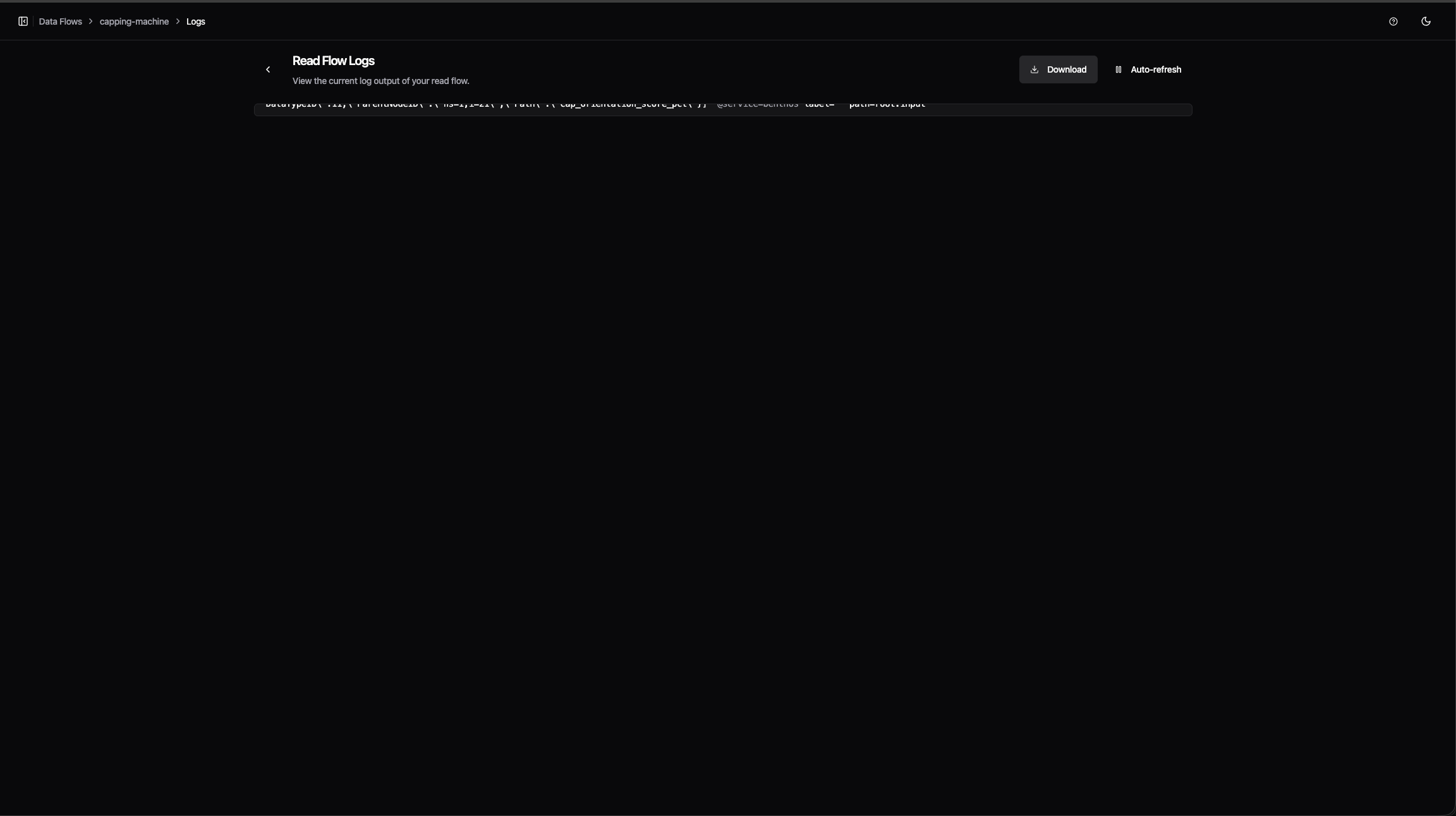
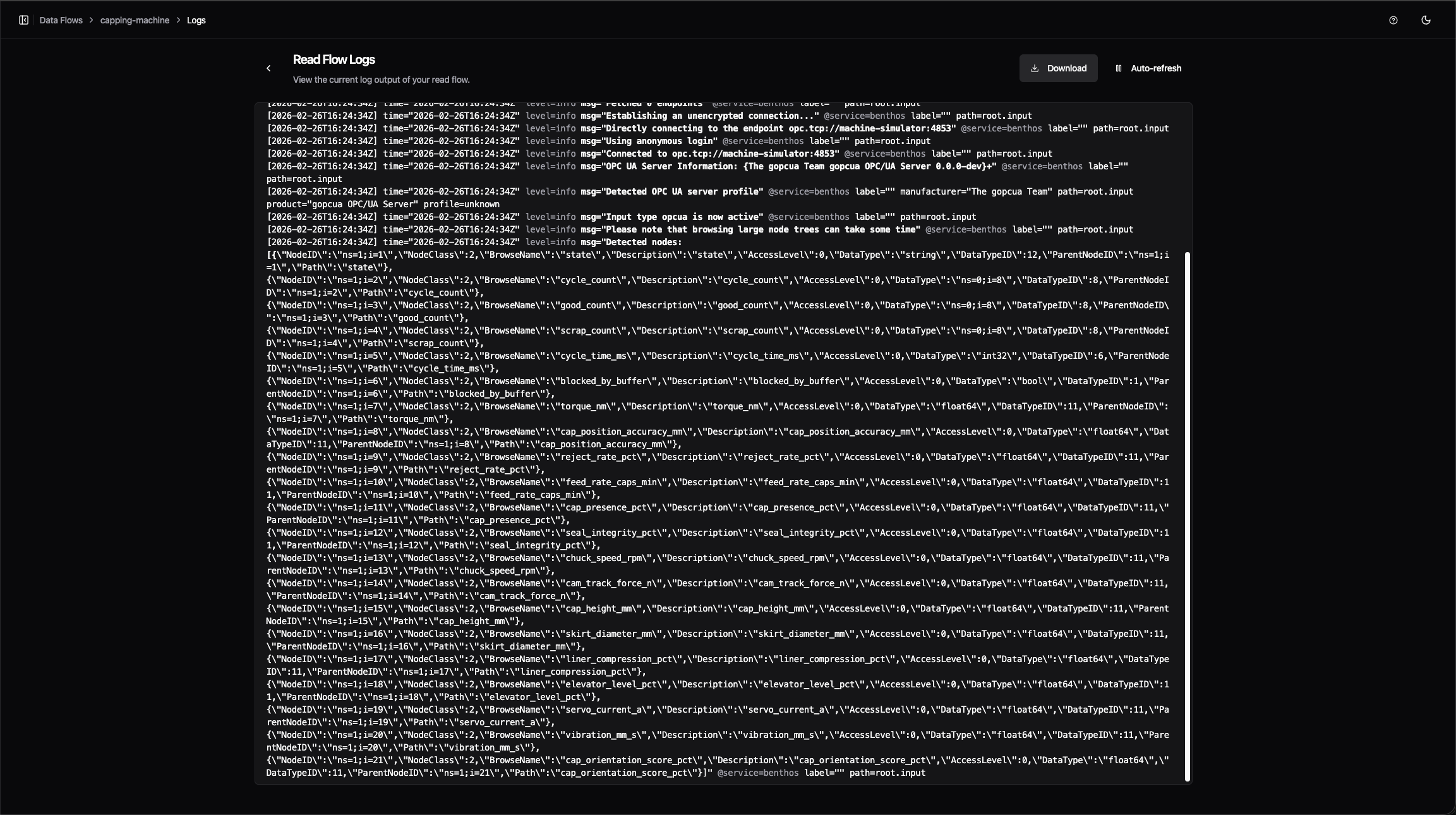
- Fixed the configuration editor and log viewer being capped at a small fixed height, leaving most of the screen empty -- both now expand to fill the available window height
- Fixed feature flag toggles in Settings taking effect silently with no confirmation -- toggling now shows a brief notification
