Management Console
New Install Dialog and Fixes
Reworked install dialog with Docker Run/Compose/Manual tabs and download support; fixed orphaned identity records on user deletion, OPC UA browser crash loop, and sidebar icon hover contrast.
New Features
- Reworked install dialog. The install dialog now shows three tabs: Docker Run, Docker Compose, and Manual Setup. They cover different deployment environments. Closing without copying or downloading the command now triggers a confirmation prompt instead of navigating away silently. A prominent warning highlights that the auth token can not be retrieved after closing. Download buttons let you save the command as a
.shor.ymlfile. After completing setup, the instances view shows a brief notice that the instance will appear offline until the install command runs.


Fixes
- Previously, deleting a user left orphaned identity records in the database, so re-inviting the same email address could fail during signup. User deletion now removes all associated identity records in the same operation
- Previously, opening the OPC UA browser updated the form in the background (syncing checked node IDs), which the UI misread as a protocol change and reinitialized the browser — creating a crash loop. The OPC UA browser now opens without crashing.
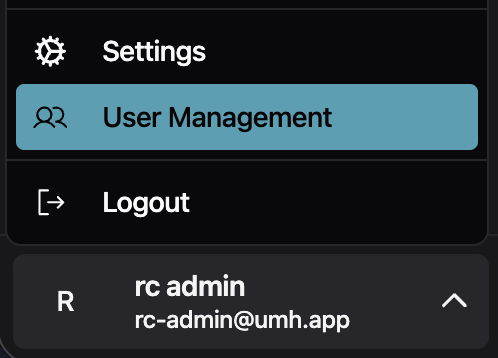
- Previously, the rendered icon did not inherit the hover text color, so it always had the same color regardless of the hover state. Fixed sidebar user dropdown icon contrast. The Settings, User Management, and Logout icons stayed a fixed color on hover. They now inherit the highlighted text color, matching the rest of the menu item