Reading files from SFTP into the UNS, and the host key error that breaks the first try
When trying to set up an SFTP connection in UMH Core, a user reported this error:
The bridge never got as far as the server. It failed at startup and restarted about once a second.
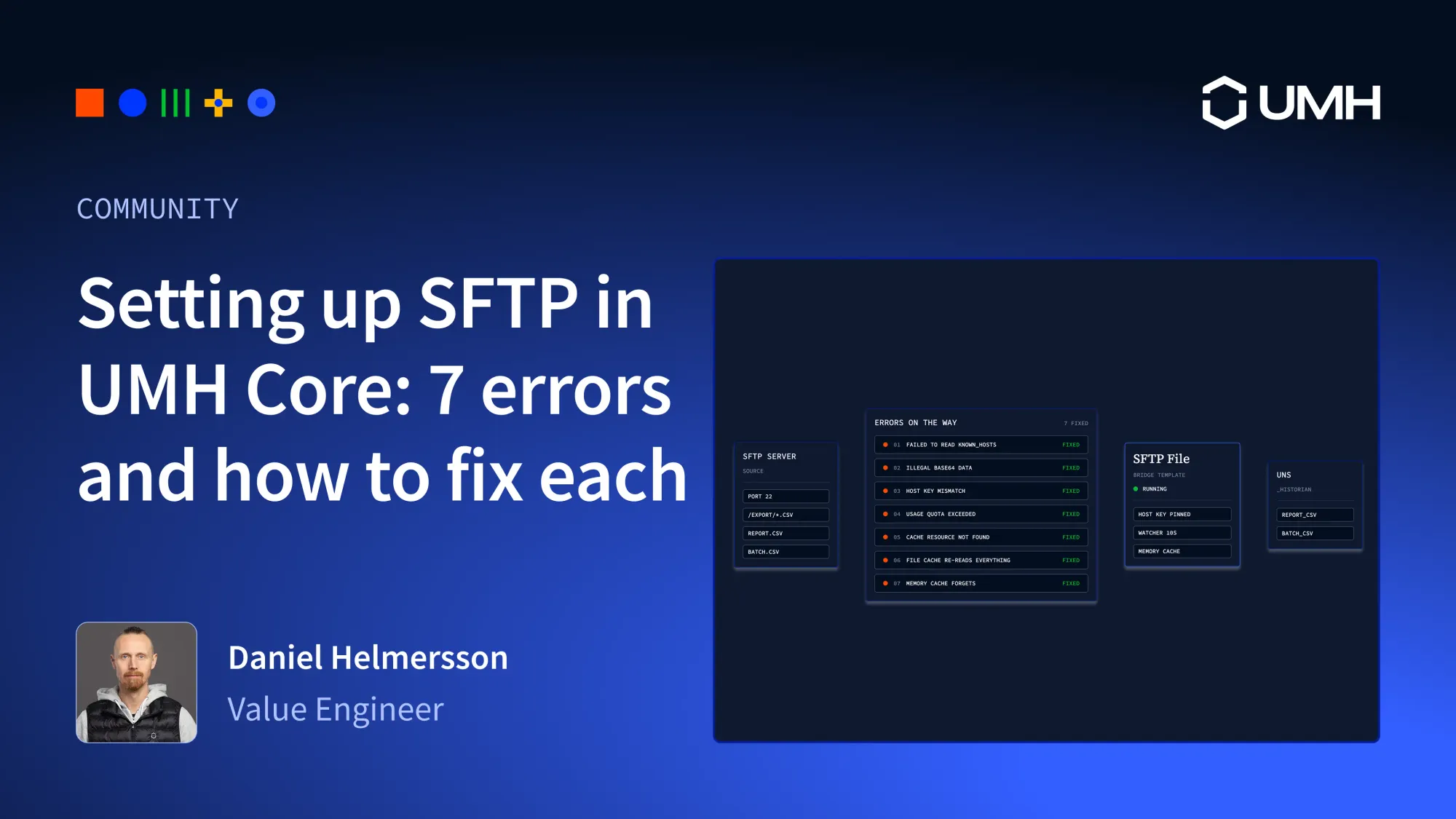
To understand the error, I started from scratch the way a new user would: a public test server, a minimal config, and no host key yet. I fixed one error at a time until it read files. Then I kept going and built a bridge template that keeps watching for new files. Each step below shows the config I ran, the error it gave, and what fixed it. If you're seeing one of these errors, search the page for it.
Everything here uses the sftp input from Redpanda Connect (Benthos), which ships in UMH Core. I ran every config twice: once as a plain Benthos config with the benthos binary from UMH Core v0.44.11, and once as a bridge inside a UMH Core v0.44.11 instance. The error messages were identical.
The test server
Rebex runs a public read-only SFTP server, so I could test without setting up a server of my own:
My starting point was a standalone config that reads every file once and prints it. It has no host key, because I didn't know the server's key yet:
Error 1: failed to read known_hosts file
The SFTP input checks the server's SSH host key so nobody in the middle can pretend to be the server. With no key in the config, it falls back to the known_hosts file of the user it runs as. Inside the UMH Core container that file doesn't exist. Setting host_public_key: "" gives the same error.
I checked the source: there's no option to skip host key verification. You pin a key in host_public_key or you provide a known_hosts file. Setting a known host inside the UMH-core running on docker is complex and not the right way to do it.
Error 2: illegal base64 data at input byte 0
So the config needs a key. Without knowing the real one, the obvious move is a known_hosts-style line with a wildcard for the key:
This is the error from the start of the post. The input parses the field with Go's ssh.ParseAuthorizedKey, which expects a key type followed by the key itself as base64. * isn't base64, so parsing fails before any connection is attempted. Plain Benthos exits. In UMH Core the bridge restarts and fails again, about every 1.1 seconds in my test, until you fix the config.
There's no shortcut. The field needs the real key, and the server can tell you what it is.
The fix: ask the server for its key
ssh-keyscan prints the host name, the key type, and the key. cut drops the host name. If the server has no ed25519 key, try -t ecdsa or -t rsa.
ssh-keyscan trusts whatever network you run it on. For a production server, send the key to whoever runs the server and have them confirm it before you deploy.
With that key in place:
followed by the file contents. The Rebex samples are mostly images, so stdout fills with binary noise. That's fine for a connection test.
Other ways to get the key wrong
With a working key in hand, I tried two more mistakes I could imagine someone making with this field.
First, I expected that leaving the host name in front of the key would break it, the way the user's line had it. It doesn't. test.rebex.net ssh-ed25519 AAAA..., a line with several host names, and a hashed known_hosts line all worked, because the parser accepts extra words before the key type. Stripping the host name is still tidier and easier to compare with what the server owner sends you, but the only thing that has to be right is the base64 key.
Error 3: host key mismatch
Second, I used a real key that belongs to a different server. That gets further:
The config is valid, so the bridge starts and stays up. In UMH Core it doesn't restart. The input retries the connection about once a second and logs this every time: 17 times in the first 20 seconds of my test. You'll see it if you copy a key from another server, or after the server's key changes, for example when it's reinstalled.
Error 4: Your usage quota at test.rebex.net exceeded
After multiple test session against the Rebex server with no polling limitation i hit their usage quota:
Rebex doesn't publish the exact limits, but their own guide says the server is "shared and rate-limited. Please don't point a CI pipeline at it." When I looked at my test instance, I found my own bridge from the first round still running. It was polling Rebex every 10 seconds, and once the quota ran out it retried about once a second, getting this error each time. I can't prove it used up the quota alone, but it didn't help. If you test against a public server, stop the bridge when you're done.
Rebex recommends moving to a local server once you know your client speaks SFTP, and that's what I did for the rest of the tests:
Moving to a bridge: watcher and cache
A one-shot read isn't a bridge. A bridge has to keep running, pick up new files, and not publish the same file twice. The input does this with watcher, and that's where the next three errors came from.
Error 5: cache resource "" was not found
The watcher stores the path of every file it has read in a cache, and you have to define that cache yourself.
Error 6: the file cache that re-reads everything
A file cache sounds like the obvious choice, because it would survive restarts:
It doesn't crash. It logs warnings and keeps going:
The file cache uses the key as a file name. The key is the SFTP path, /upload/report.csv, which turns into a subfolder that doesn't exist. Nothing gets stored, so the same file is read again on every poll.
In plain Benthos that means a duplicate message every poll. Inside a UMH Core bridge, the duplicates didn't show up in the UNS: the topic had the same number of messages before and after 30 seconds of re-reads. The bridge runs a downsampler after the tag processor, and it drops values that haven't changed. To check, I turned it off for this bridge by setting ds_ignore in the tag processor:
With that one line, both files showed up in the UNS again every 10 seconds: 12 messages in 50 seconds from two unchanged files. So with the downsampler on, which is the default, the UNS stays clean. The bridge still downloads every file from the server every 10 seconds, and the only sign is a warning in the log. If you turn the downsampler off or a file changes, you get the duplicates too. This is the one I'd watch out for most, because the bridge looks healthy.
Error 7: the memory cache that forgets
The memory cache does work, with one catch. By default, each entry expires after 5 minutes. To see it without waiting, I shortened the TTL to 20 seconds and ran it for 70 seconds:
That's one file read four times. Setting compaction_interval: "" turns expiry off, and the same 70-second run read the file once.
There is one limit I couldn't configure away. The memory cache lives in memory, so after a restart or redeploy every matching file is published once more. In UMH Core every config change counts as a redeploy. These are the messages that reached the UNS while I was testing, with two files on the server:
The downsampler doesn't help here, because it starts fresh after a restart as well. If duplicates matter downstream, move processed files to another folder on the server or narrow the paths glob.
The SFTP File bridge template
All of this went into the SFTP File bridge template in the Management Console. I tested it in a UMH Core instance against the local server. Both files showed up in the UNS as ..._historian.report_csv and ..._historian.batch_csv, with the file content as the value. It reads text files (CSV, TXT, JSON) and publishes each file as one tag named after the file: /export/report.csv becomes report_csv. The timestamp is when the file was read, because SFTP doesn't send one. The parts that matter from above:
A few limits to know about. Binary files (images, PDFs) come through as unreadable strings. Files with the same name in different folders end up in the same tag. Upstream Redpanda Connect marks the watcher as experimental.
Try it
Run ssh-keyscan against your server first and have the server owner confirm the key. Then create a bridge from the SFTP File template with the address, credentials, and path. If you see one of the errors above, the section with that error tells you what to change.