Management Console
2026-07-15
New Features
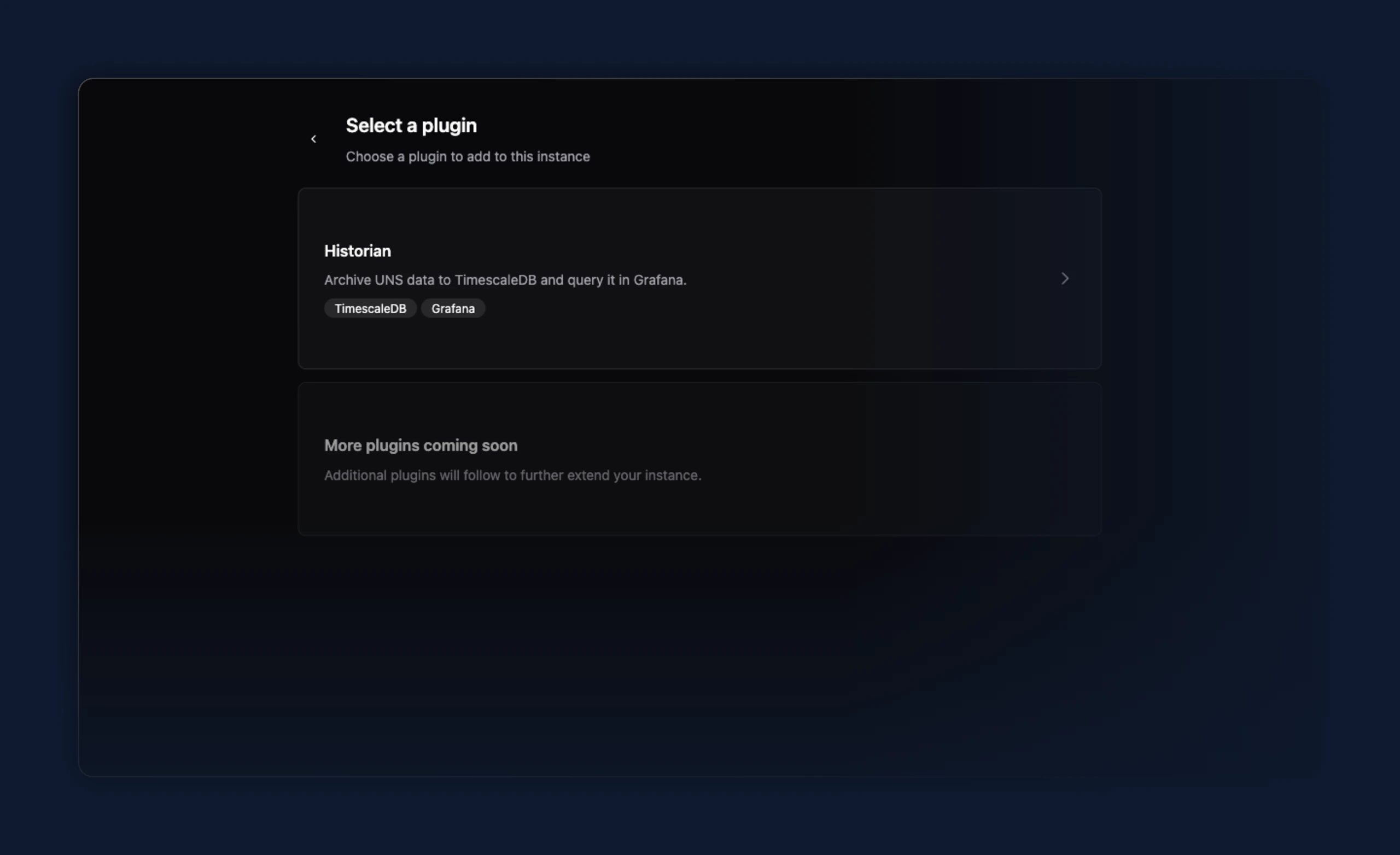
- Preview: set up a TimescaleDB Historian for an instance from the new Plugins tab. Add the Historian plugin, then enter the TimescaleDB connection — host, port, database, user, password, and SSL mode — to create, edit, or remove it. The tab appears on instances that support it.
Improvements
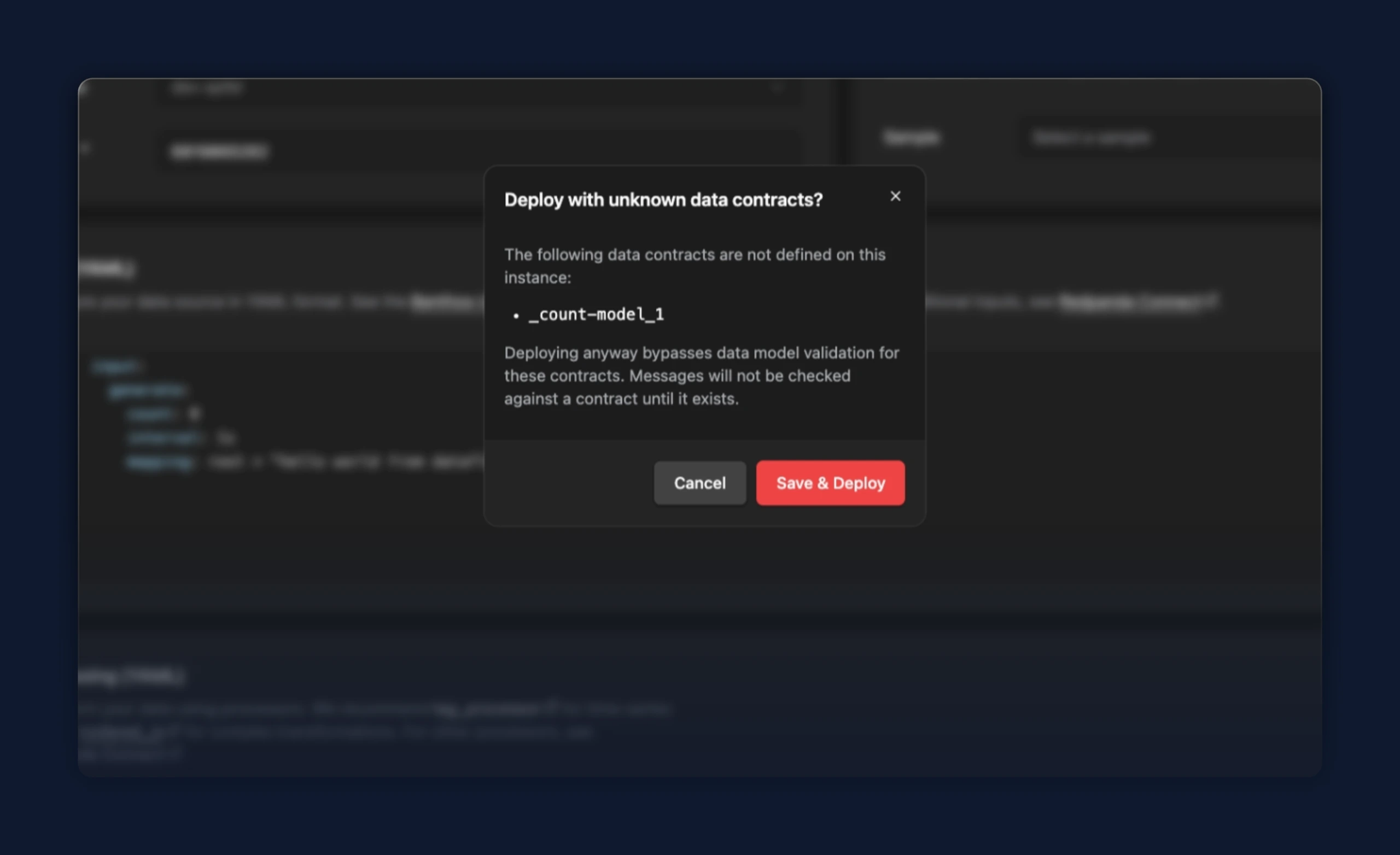
- In a standalone data flow, a data contract that doesn't exist on the instance no longer blocks Save & Deploy. The editor still underlines the unknown contract, and a dialog now names the missing contracts and asks you to confirm before deploying, so you can go ahead when you plan to create the contract later.
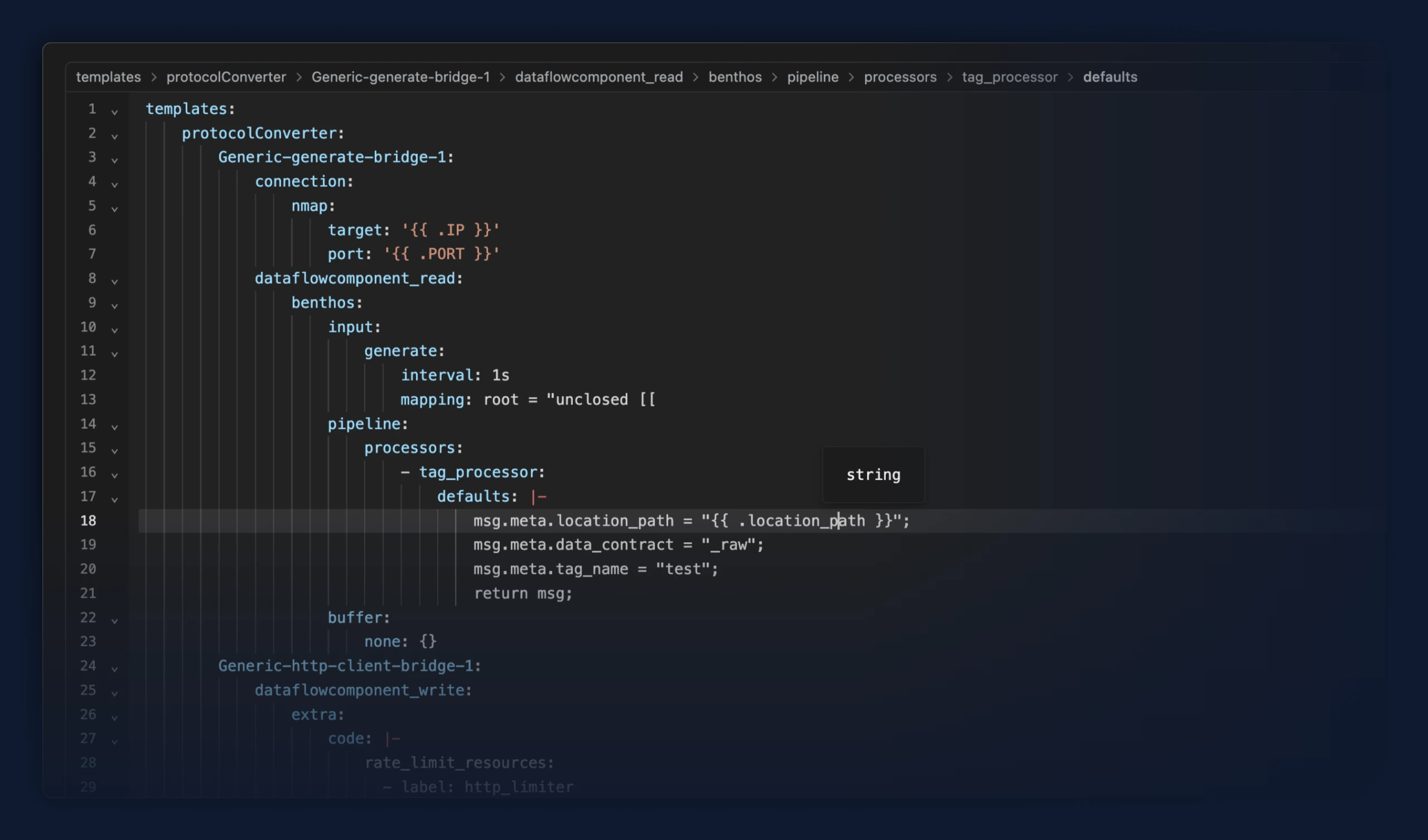
- The code editor now draws vertical indentation guide lines, so nested YAML and JSON are easier to follow and a deeply indented config no longer reads as empty.
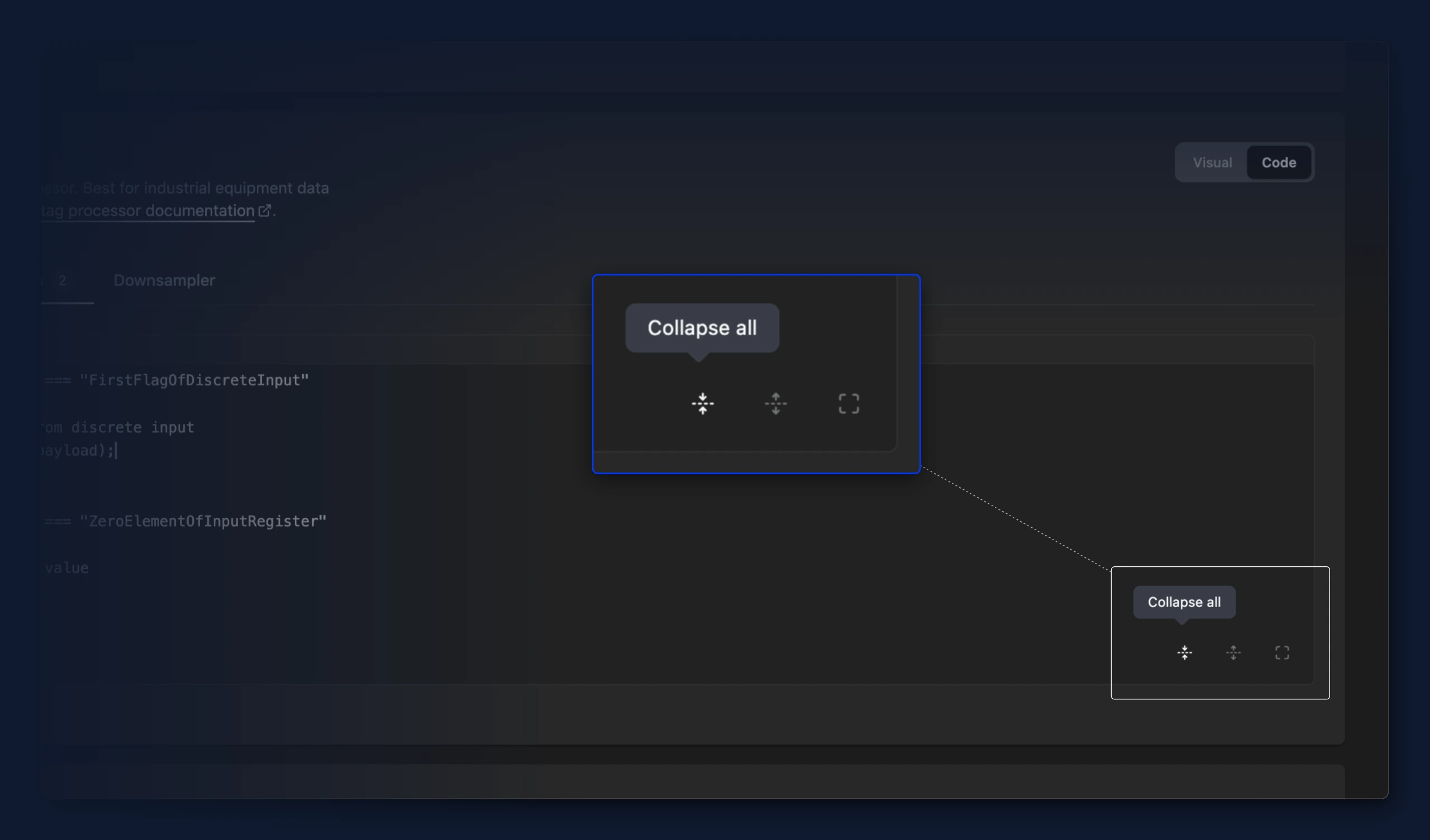
- The code editor gained Collapse all and Expand all buttons, so you can fold every section of a long YAML or JSON config at once instead of clicking the gutter arrows one by one.
- The code editor now shows a breadcrumb bar with the path to wherever your cursor sits, so you can tell where you are in a long YAML or JSON config at a glance. Click any part of the path to jump straight to it. Collapsed sections open automatically. The bar stays in place while you edit, and list positions read as "1st item", "2nd item", and so on.
Fixes
- Creating a bridge from a template now uses that template's processing setup. Previously the Conditions tab could open with example rules the template never defined, and those examples were deployed with the bridge.
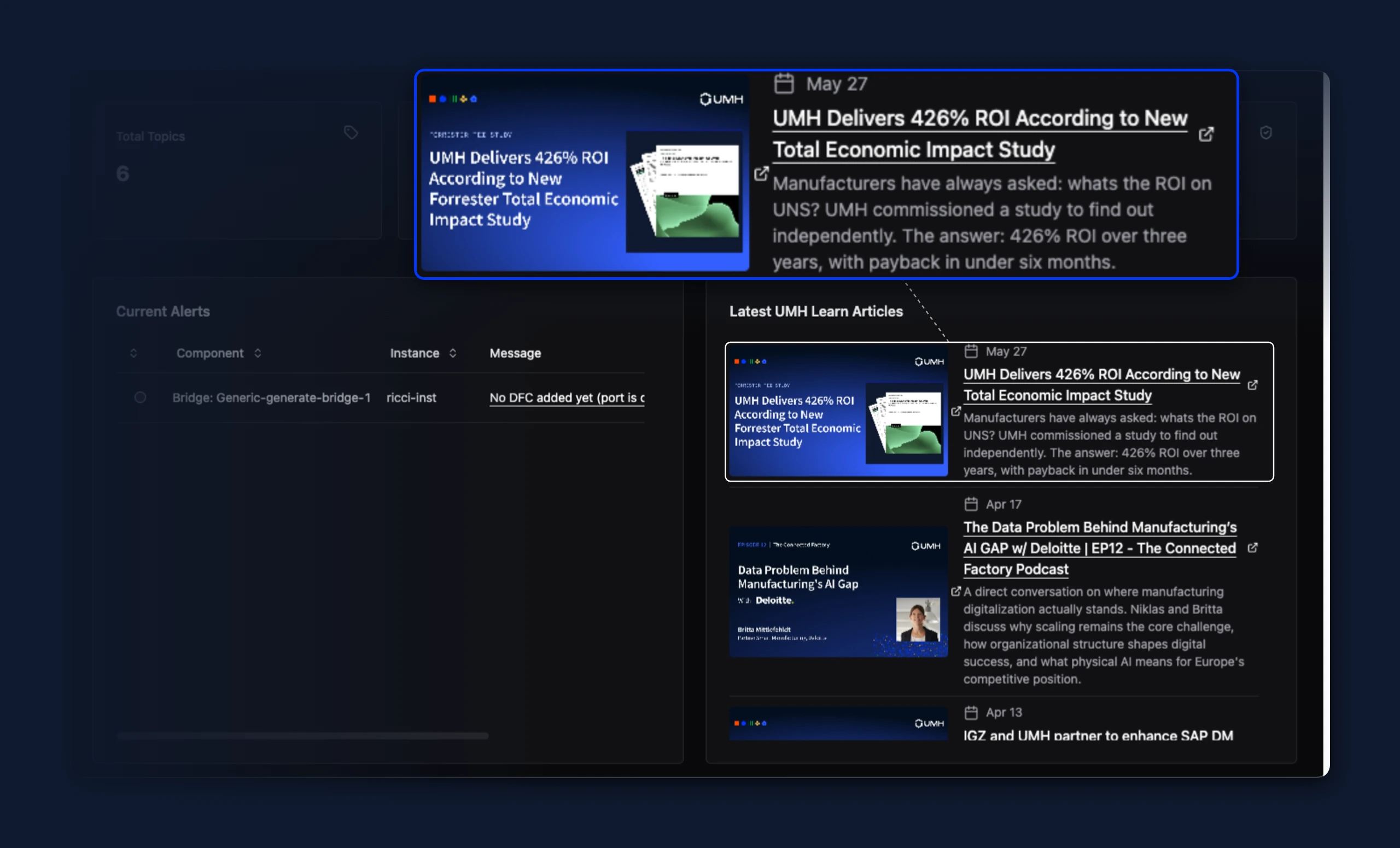
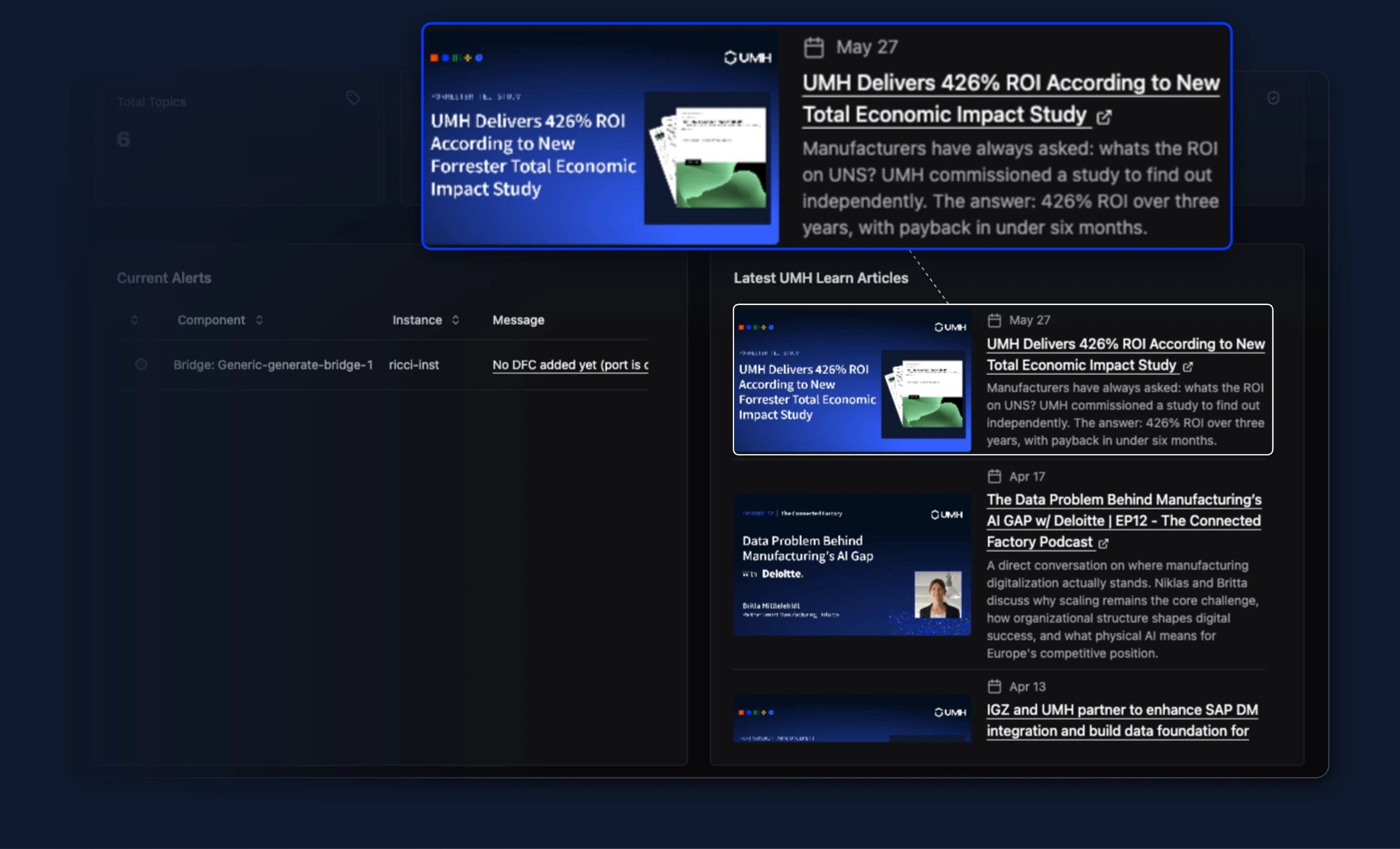
- On the home page's "Latest UMH Learn Articles" feed, the external link icon no longer floats away from the text when a post title wraps across multiple lines — it now sits right after the title's last word instead of centering against the whole wrapped block. The icon is also no longer shown on feed thumbnail images, where it didn't fit well.
- Deleting a second instance right after deleting a first one no longer shows an empty dialog that fails to delete it. Previously, the dialog carried over leftover state from the first deletion, so the next delete attempt required reloading the page to work.