Community
Adding Additional SSH Keys to k3OS
This tutorial explains how to add additional SSH keys to k3OS, allowing multiple users to access an edge device.
Jeremy Theocharis
February 23, 2023
8 min read
If multiple users need to access an edge device running k3OS, additional SSH keys can be added to allow them to connect via SSH. This guide outlines the steps to add new SSH keys.
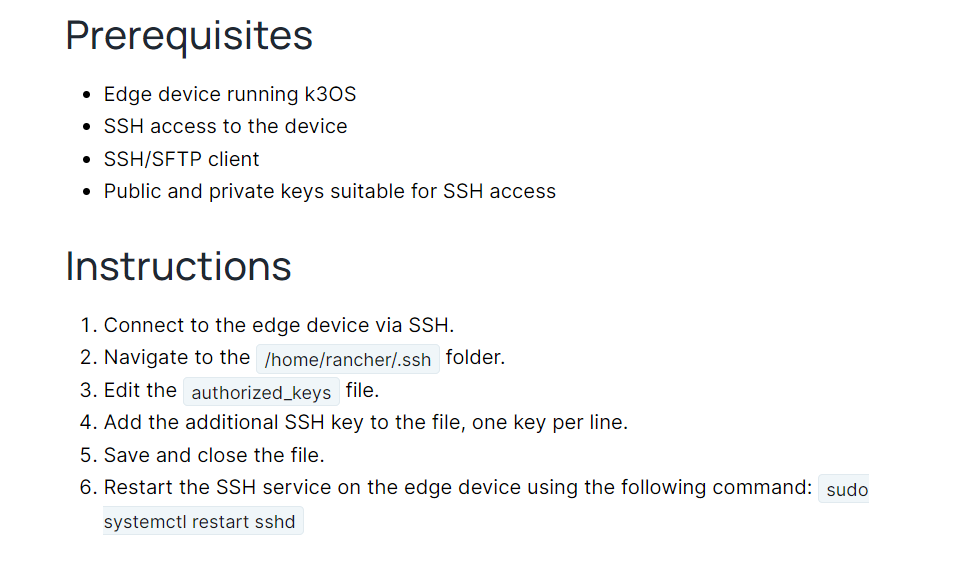
Prerequisites
- Edge device running k3OS
- SSH access to the device
- SSH/SFTP client
- Public and private keys suitable for SSH access
Instructions
- Connect to the edge device via SSH.
- Navigate to the
/home/rancher/.sshfolder. - Edit the
authorized_keysfile. - Add the additional SSH key to the file, one key per line.
- Save and close the file.
- Restart the SSH service on the edge device using the following command:
sudo systemctl restart sshd