Community
Connecting the UNS with InfluxDB using Benthos
In this course you will learn how to connect InfluxDB with the UNS using Benthos.
Sebastian Krüger
February 5, 2024
8 min read
Prerequisites
- Access to your cluster via OpenLens
Steps
- Connect to your cluster using OpenLens.
- Open a Create Resource tab located at the bottom left.
- Paste in the YAML below and adjust the following fields under output:
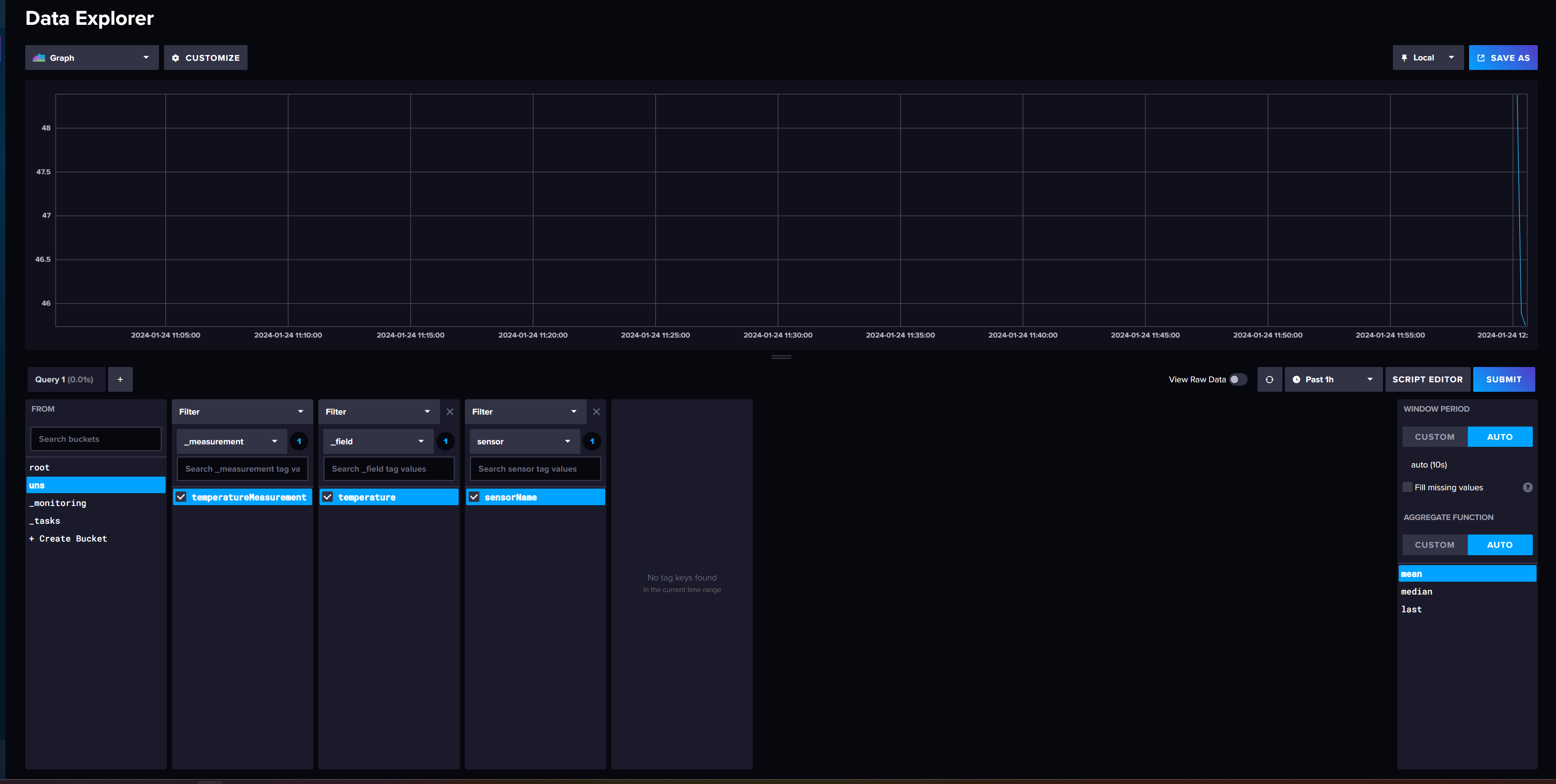
- Endpoint: your influxDB Endpoint
- Organization: your influxDB Oganization
- Bucket: your influxDB Bucket
- Token: your influxDB API-Token
- Configure your topics which benthos should listen to. In this example we are using the IoT-simulator.
- Depending on your topic choice, you might need to adjust the root assignment, to match your specified topic. The
meta("kafka_topic").string().split(".").<X>splits up the topic into a list, e.gìa.factoryinsight.xinto [ia, factoryinsight, x]. You can now choose the correct key, by replacing the X with a number, beginning from 0. - Finally click on create and a new benthos pod will spawn.