Community
Fix "Failed to send Kafka message: microservice name is empty" Error in Sensorconnect
Learn how to fix the "Failed to send Kafka message: microservice name is empty" error in Sensorconnect microservice in v0.9.11 of United Manufacturing Hub. Follow the step-by-step instructions to add a new environment variable to resolve the issue.
Jeremy Theocharis
March 1, 2023
8 min read
If you're using version v0.9.11 of the United Manufacturing Hub and encounter the error message "Failed to send Kafka message: microservice name is empty" while using the Sensorconnect microservice, don't worry!
This error is caused by a bug on our side and is fixed in the later versions of the Hub. However, if you want to continue using v0.9.11 and need a quick fix for the issue, follow the step-by-step instructions below to resolve the error.
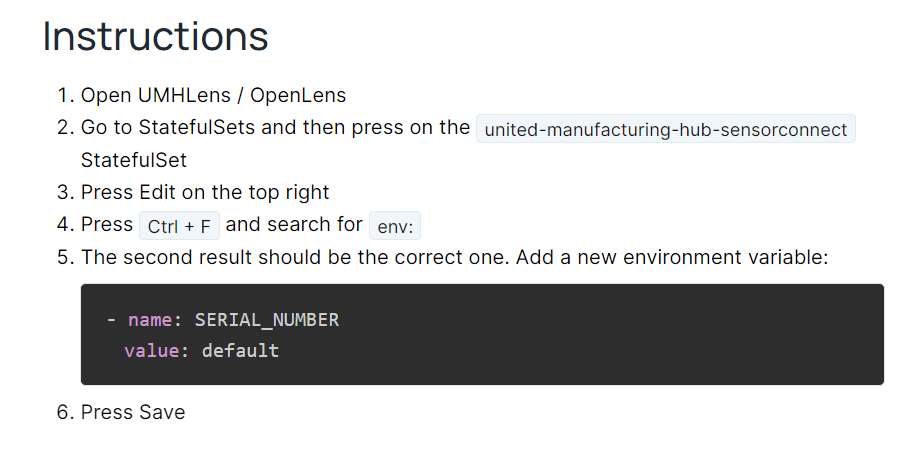
Instructions
- Open UMHLens / OpenLens
- Go to StatefulSets and then press on the
united-manufacturing-hub-sensorconnectStatefulSet - Press Edit on the top right
- Press
Ctrl + Fand search forenv: - The second result should be the correct one. Add a new environment variable:
- Press Save